41
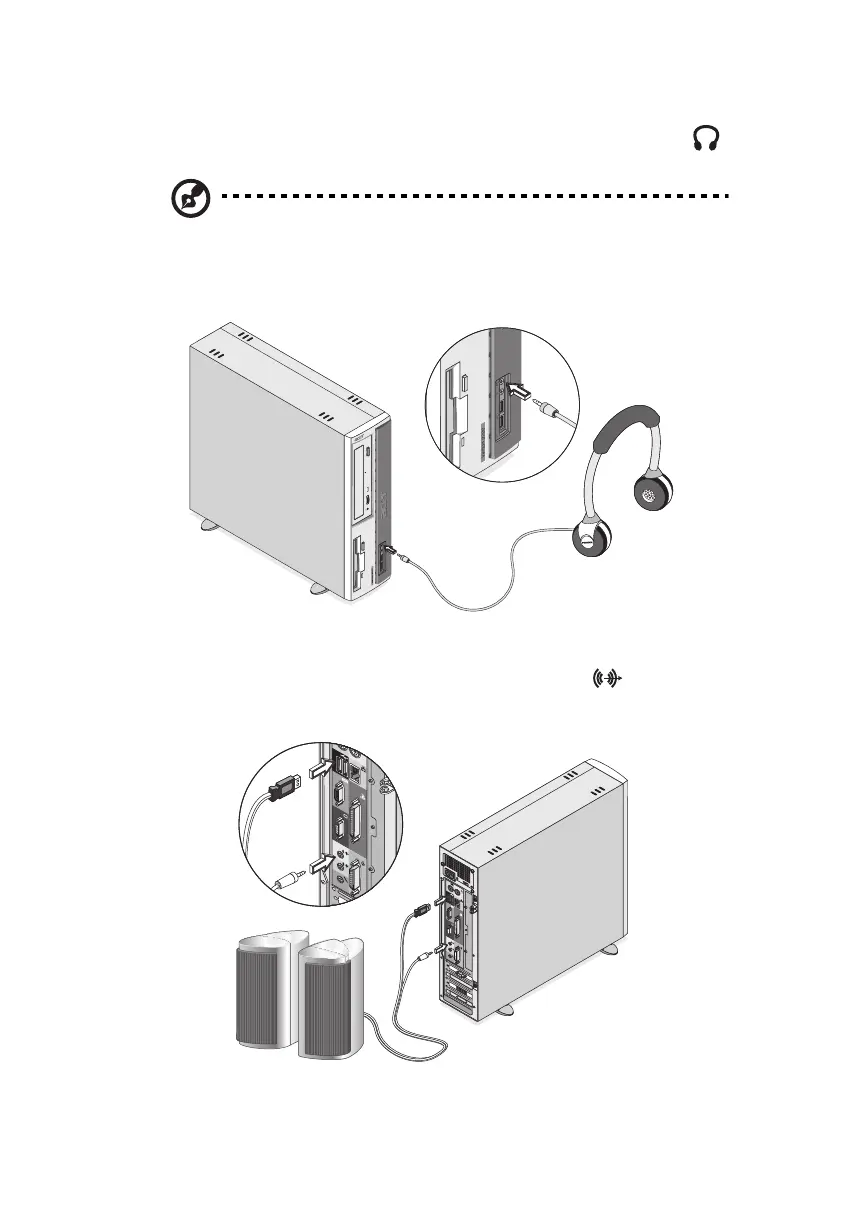
• earphones, headphones: connect to the Headphone-out port
(lime port) located on the front panel of your computer
Note: To adjust the volume of the headphones, click on the
Volume icon located on the taskbar at the bottom of your screen.
When the volume control pops up, drag the volume control lever
to the desired level.
• speakers: connect to the Audio-out/Line-out jack (lime jack)
located on the rear panel of your computer
ver3200AAC-0.book Page 41 Friday, March 2, 2001 3:52 PM












 To Next Page