3 Setting up your computer
42
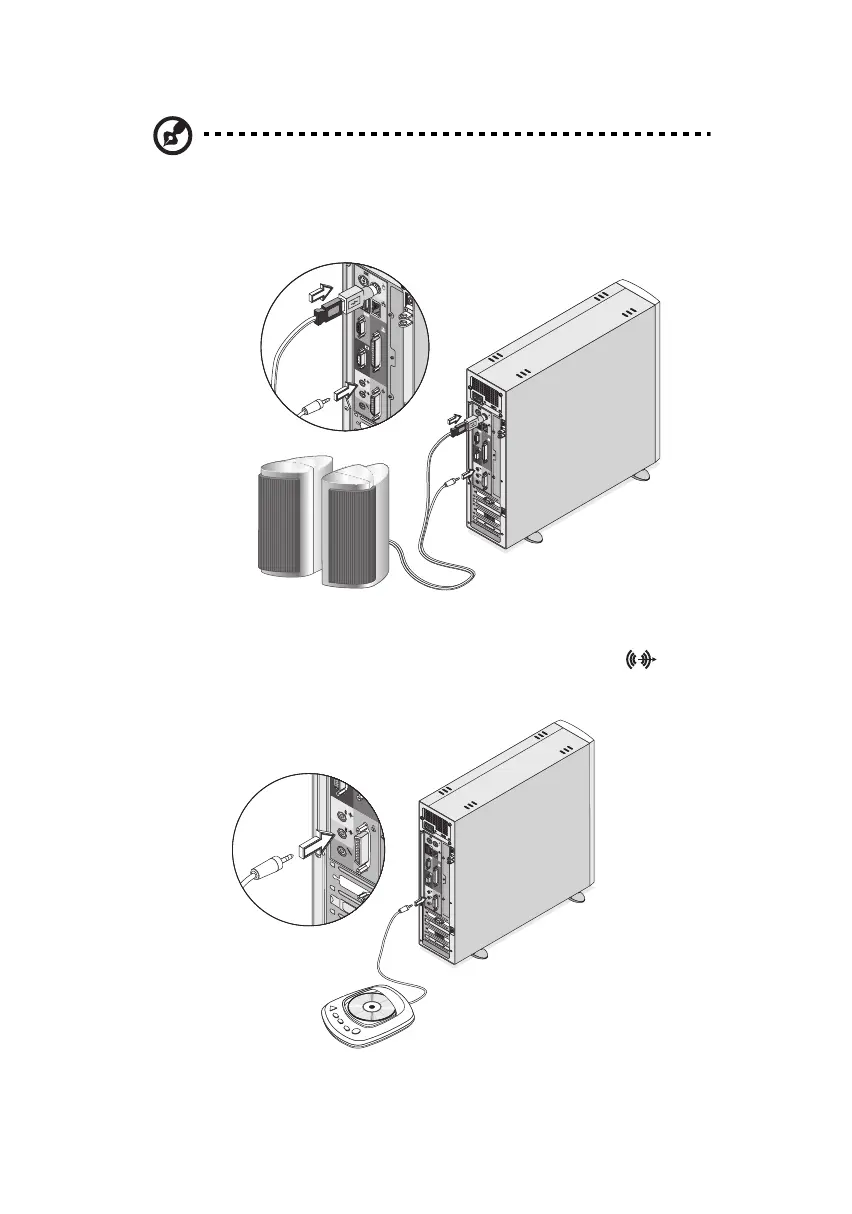
Note: You may also connect the USB speakers to the PS/2 port via
use of a USB-to-PS/2 connector. The USB-to-PS/2 connector can
only be used with the bundled speakers. It will not work with
other USB devices such as a USB mouse, USB keyboard, etc.
• external CD player: connects to the Audio-in/Line-in jack (light
blue jack) located on the rear panel of your computer
ver3200AAC-0.book Page 42 Friday, March 2, 2001 3:52 PM












 To Next Page