4 Upgrading your computer
70
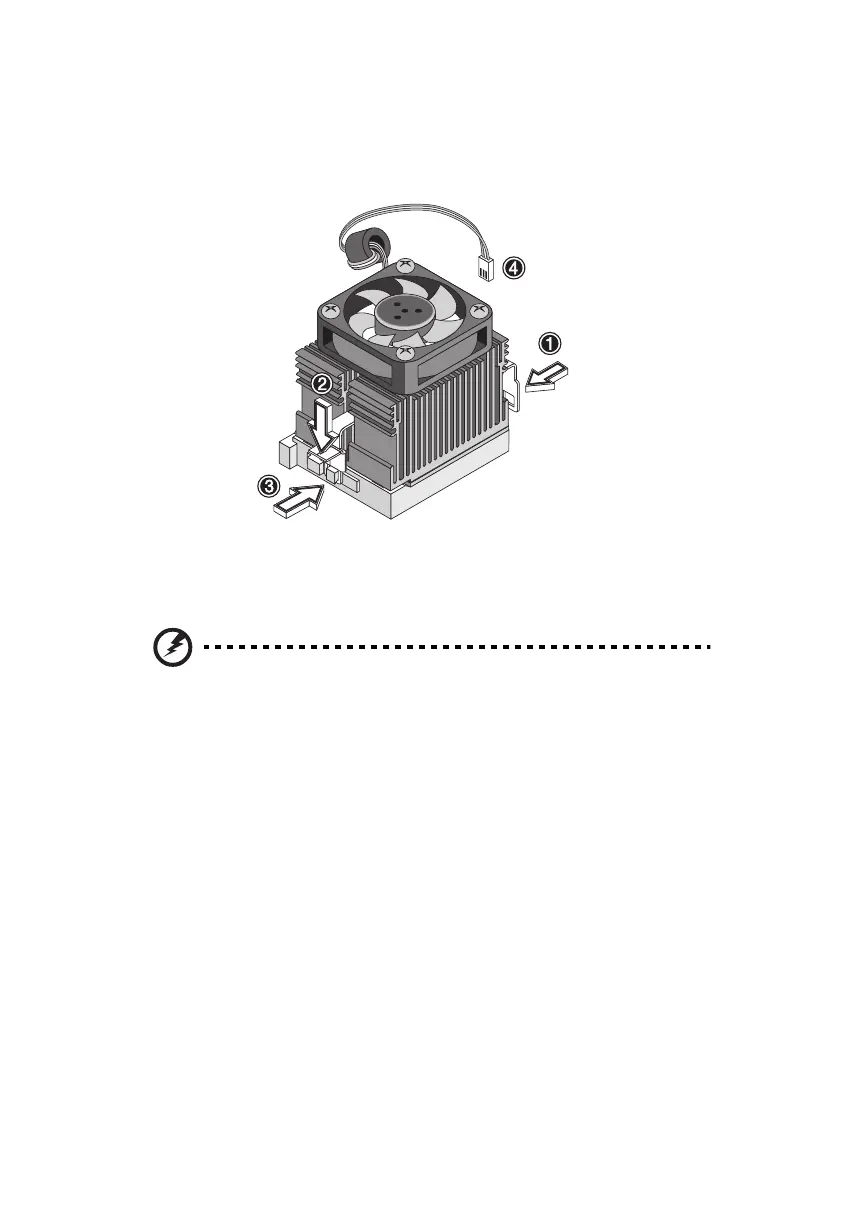
3. Attach the heatsink and fan to the CPU. Make sure that the metal
brackets on both sides securely lock the heatsink and fan into
place.
4. Plug the fan/heatsink cable into the fan connector on the
mainboard. See “Mainboard layout” on page 60 for the location
of the connectors on the mainboard.
Warning! The heatsink becomes very hot when the
computer is on. Never touch the heatsink with any metal
or with your hands.
ver3200AAC-0.book Page 70 Friday, March 2, 2001 3:52 PM












 To Next Page