NitroSense - 43
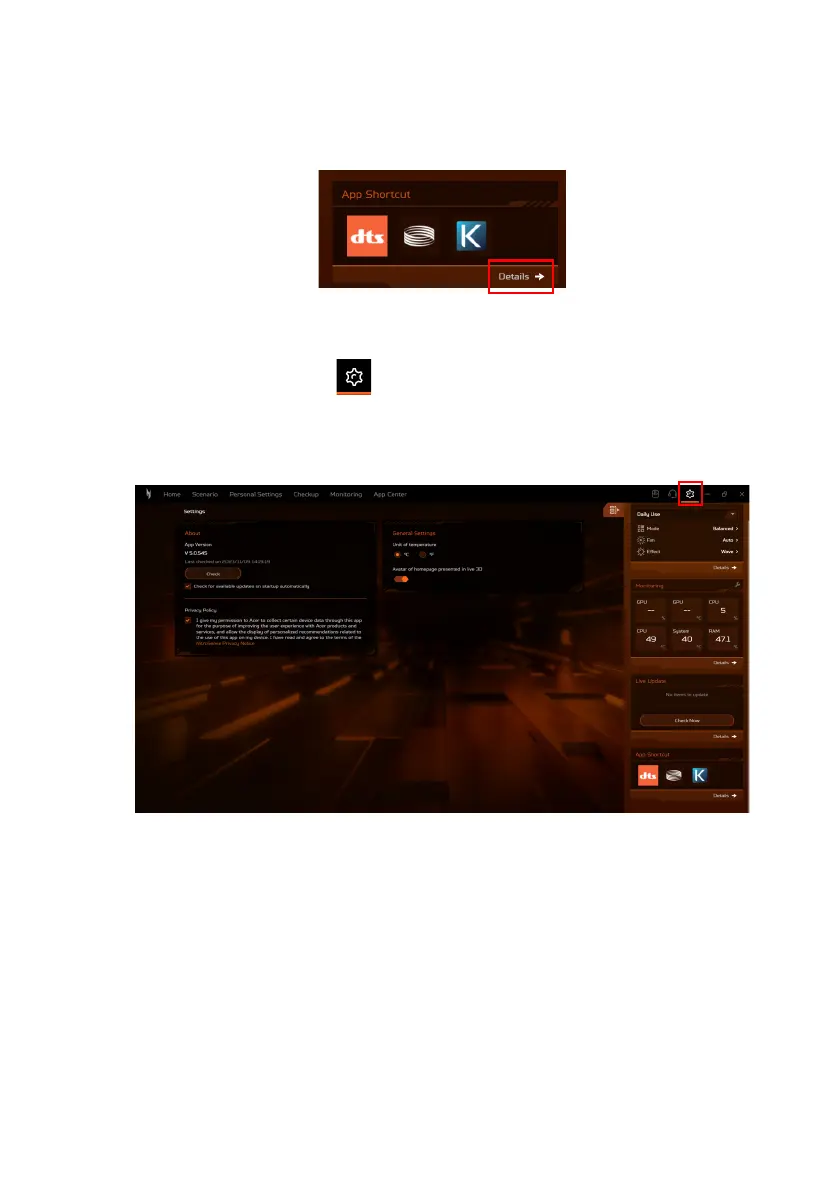
•Under the App Shortcut tab, click on an app will promptly open
it. For an expanded array of available apps, select Details to
access the App Center.
NitroSense
settings
Click the Settings icon , and the interface presents to you the
current version of NitroSense. You are able to update the firmware
manually, set automatic checks for the system updates, change
temperature units, and activate 3D avatar on the main screen.









 To Next Page