56 - NitroSense
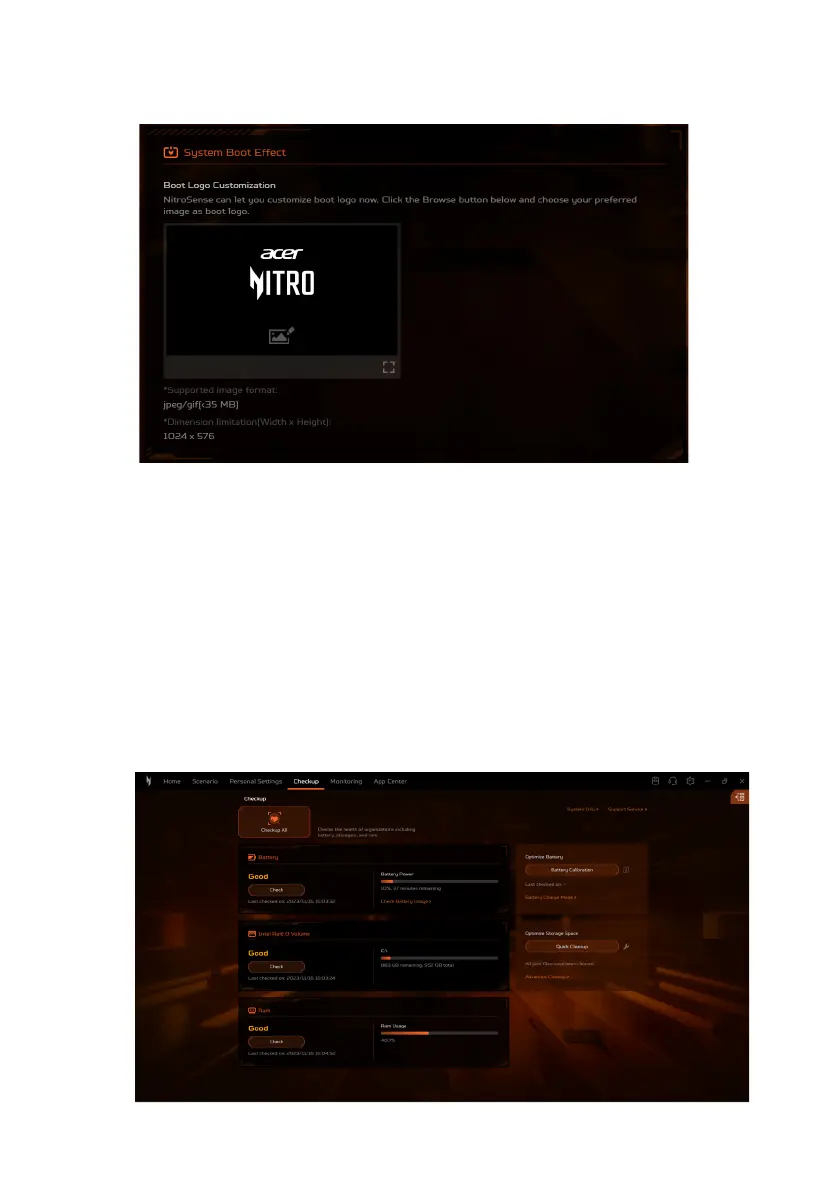
System Boot Effect
• Boot Logo Customization
Under the Boot Logo Customization tab, click the Image icon
then browse to select your preferred image to customize the
boot logo.
Checkup
Select the Checkup tab to swiftly evaluate the health of your
system components including battery, storages and RAM with just
one single click - Checkup All. You can also check the individual
health by clicking Check under each variable.









 To Next Page