50 - NitroSense
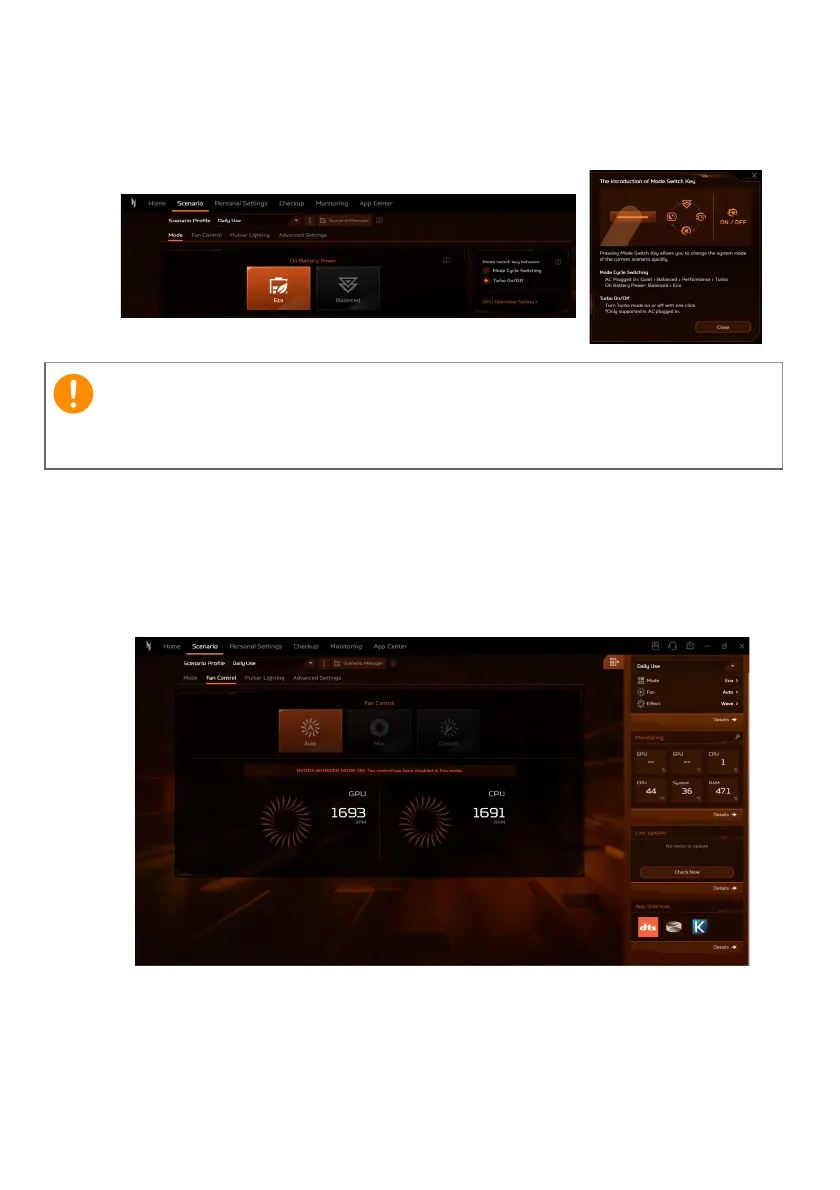
• Select the preferred option under Mode switch key, either Mode
Cycle Switching or Turbo On/Off, to change the system mode
of the current scenario quickly.
Fan Control
You may adjust the performance of the fans cooling your laptop’s
CPU and GPU. Three levels are available: Auto (default), Max and
Custom.
While the AC is plugged in, mode switching is available when the
battery capacity is at least 40%.











 To Next Page