58 - NitroSense
•RAM
To assess the health status of your RAM, click the Check button
and view the current RAM usage.
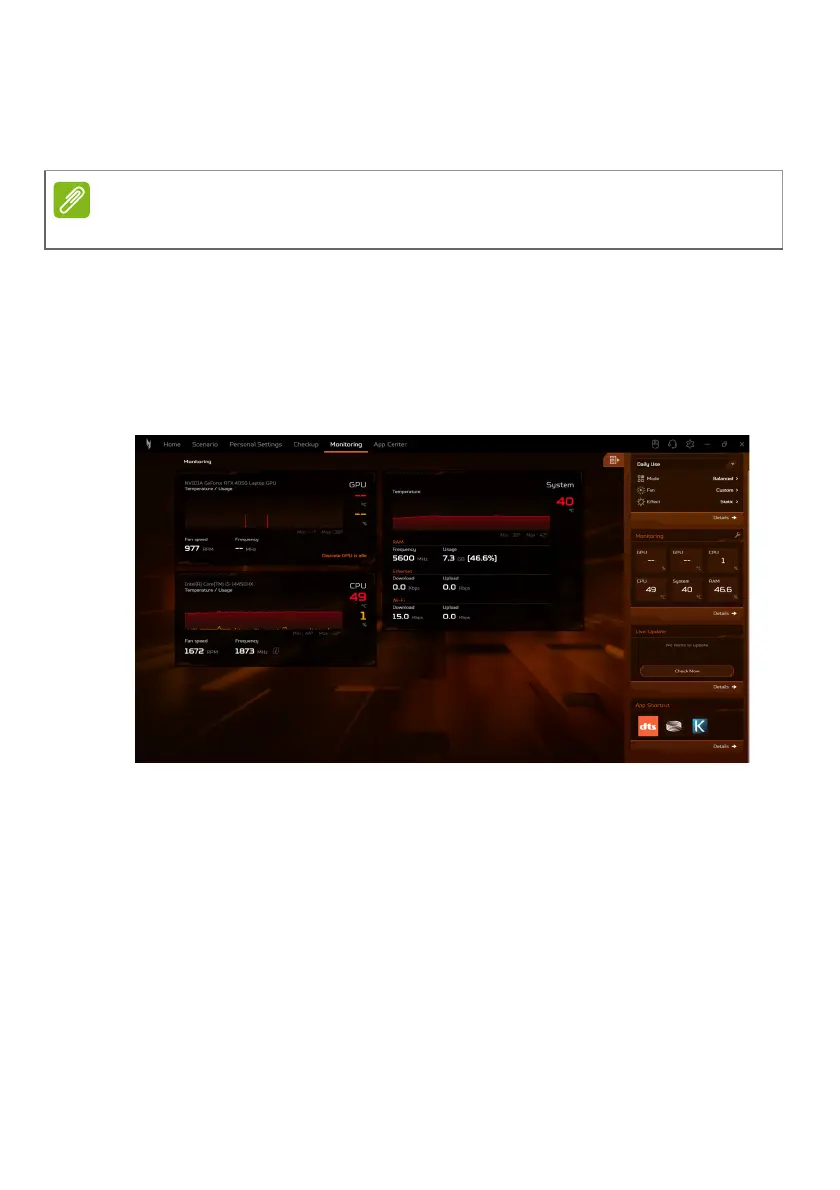
Monitoring
Select the Monitoring tab to check CPU, GPU, and system
temperature and loading. Data is shown for the last 30 minutes,
so you can track your CPU, GPU and system’s status after
performing different tasks.
Specifications vary depending on model or Operating System.









 To Next Page