NitroSense - 57
• Battery
For a comprehensive view of battery usages details, click Check
Battery Usage. In addition, the Battery Power shows an
estimate of the remaining battery time, along with a percentage
display. To ensure optimal battery performance, it is
recommended to perform Battery Calibration on a regular
basis.
•Storage
To assess the health status of your storage, initiate the
evaluation by clicking the Check button. To optimize laptop
performance, utilize either Quick Cleanup or Advanced
Cleanup to efficiently remove temporary and unnecessary files,
helping you clean up storage space and speed up your laptop.
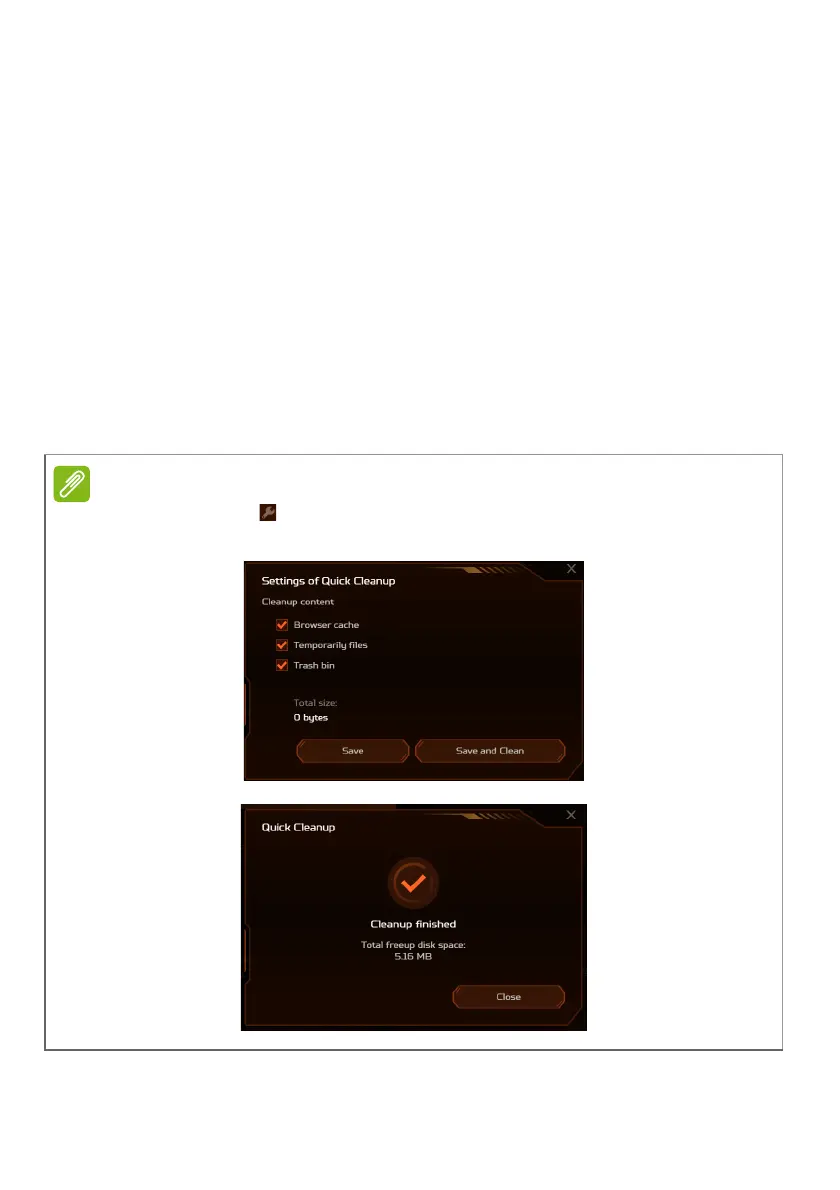
Click the tool icon of
Quick Cleanup
option and select the types of content
you want to delete:
Browser cache
,
Temporarily files
and
Trash bin
.











 To Next Page