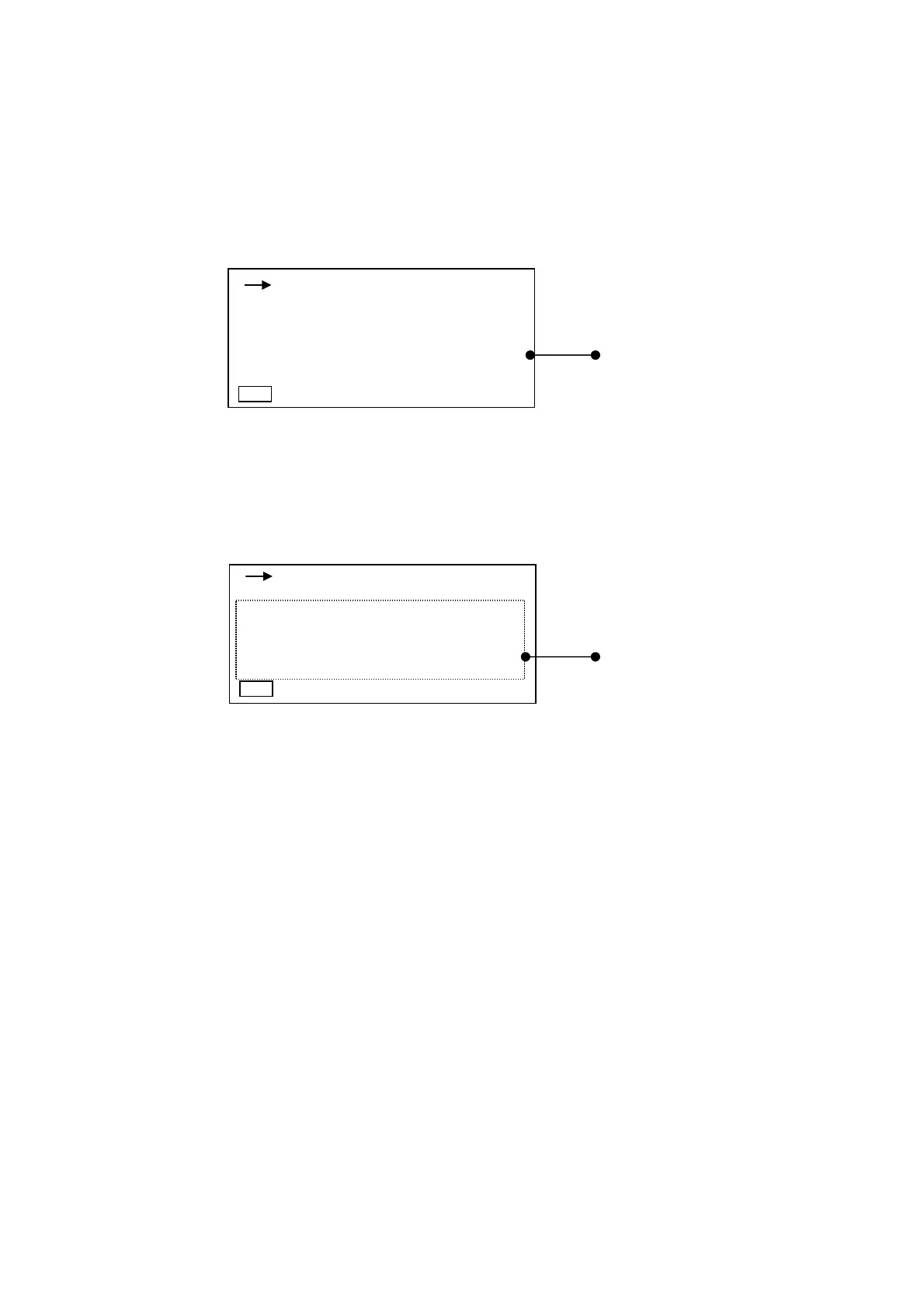
1-3 Magnified display mode
In magnified display mode, bar graph does not appear. And the numerical characters are
magnified in the digital display.
After you have changed to the magnified display mode, you can change measurement mode
(A-weighted sound pressure level [or sound pressure level] measurement or the equivalent
continuous A-weighted sound pressure level measurement) with
Mode
key.
The other contents in this mode are the same as in normal display mode. This mode is disabled
when “Peak measurement” is selected.
Magnified display
1-4 List display mode
All the measured data are shown in list mode.
Ten items (including Leq) are shown in this mode. This mode is disabled when “Peak
measurement” is selected.
Data display
00h 000h00m00s
FAST
L
A
dB
Manu
00h 000h00m00s
E
FAST
Manu
Lap : 140.0dB La05:140.0dB
Laeq : 140.0dB La10:140.0dB
Lae : 140.0dB La50:140.0dB
LMin : 140.0dB La90:140.0dB
LMax : 140.0dB La95:140.0dB
d
B



 To Next Page