©2018 ACP, Inc.
Cedar Rapids, IA 52404 Page 50 of 80
Part No. 16400033
Original Instructions
Oven Thermal Cutout (TCO)
Oven Thermal Cutout (TCO)
The Thermal Cutout or TCO acts as a high-limit to protect the oven from an overheat situation in the cooking cavity.
The TCO is a switching device that will open its contacts at approximately 608°F (320°C).
It is manually reset by a button located in the rear of the oven.
Testing
With oven disconnected from the Power Supply, disconnect the Wires from the device. Check for continuity between
Terminals 11 and 12. If oven temperature is below tripping point, and there is no continuity, press the Reset Button.
If still no continuity, replace TCO.
Removal and Replacement
1. Disconnect oven from Power Supply.
2. Remove Top, Right, Left and Rear Panels.
(see Panel Removal)
3. For better access, remove Rear Exhaust Duct.
4. Remove Wires from TCO.
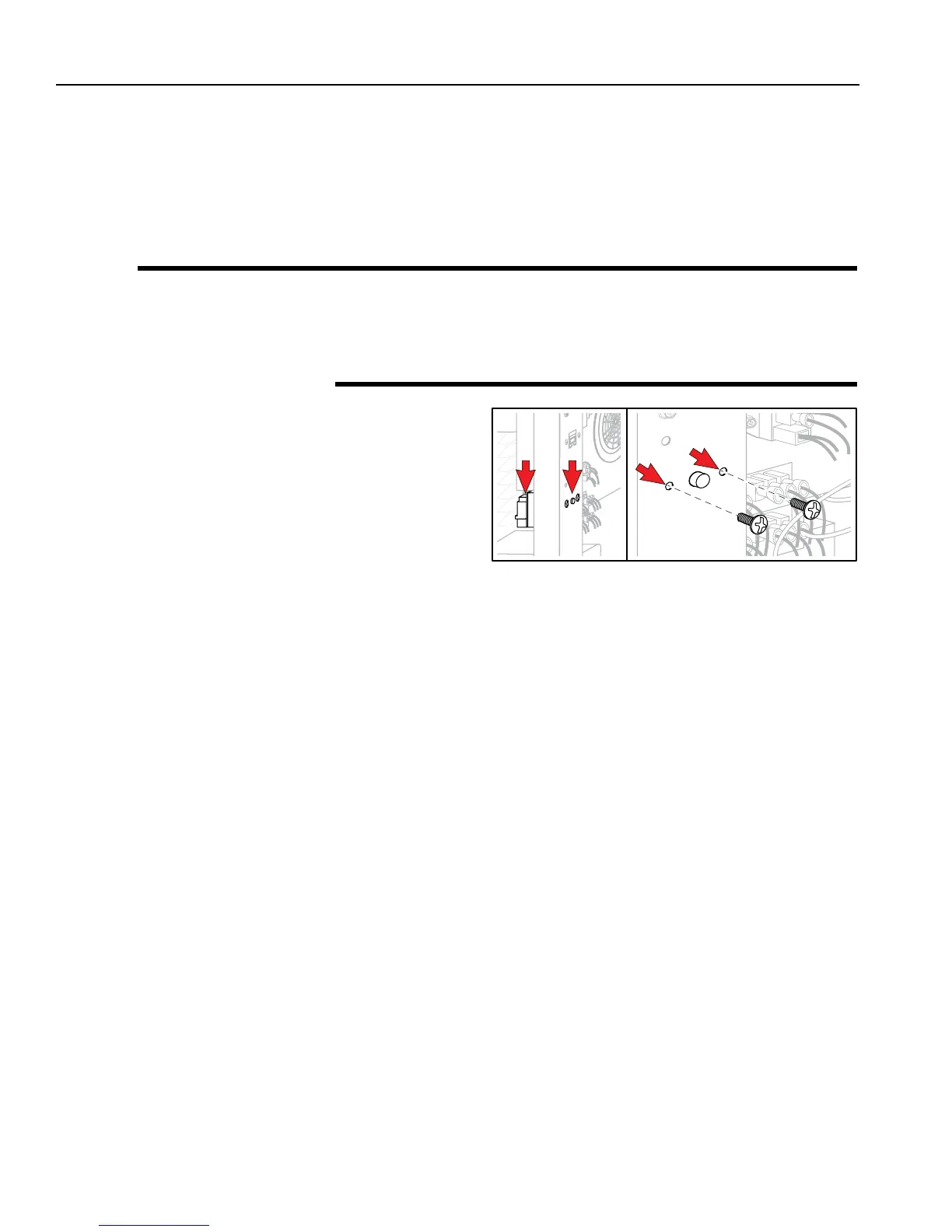
5. Trace Sensor Capillary to top of oven.
Pull straight up to remove Sensor.
6. Remove two (2) Phillips Head Screws securing TCO.
7. Remove TCO.
8. To replace, reverse these steps.





 To Next Page