SPM-32A ... SPM-36A 4.2 Operation and features
4-31
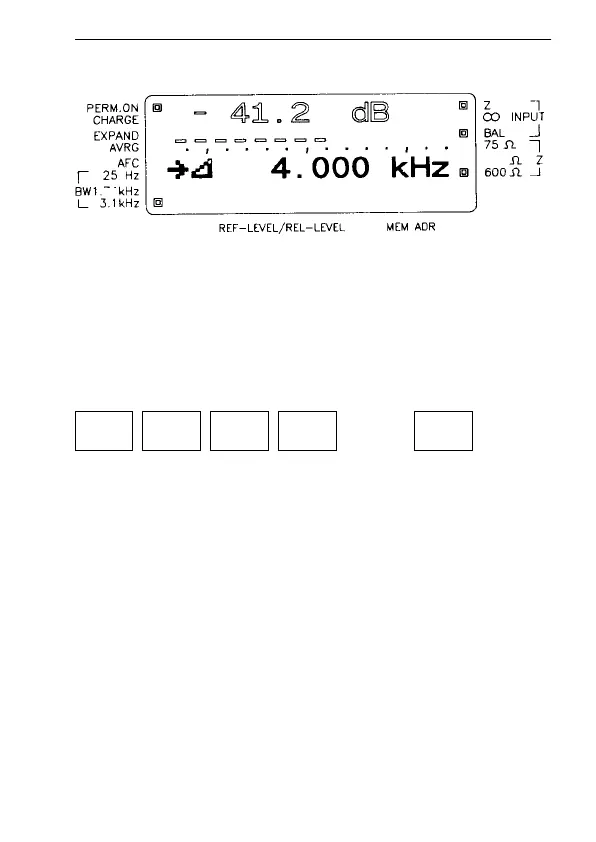
Fig. 4-8 Typical display before the entry of a new step width (∆F).
For new entry press [*] [STEP]
∆F can now be changed
– using the up / down keys in steps of 1 Hz or 10 Hz, or
– by entering another value, e.g. 2.5 kHz:
Always enter the frequency in kHz.
When you press STEP, the instrument will start to measure;
the receive frequency can be incremented or decremented
by the new frequency step.
4.2.3.3 SEARCH
When SEARCH mode is selected, the instrument searches
automatically for signals that are greater than a set threshold
value (adjustable). The receive frequency can be increased
or decreased starting from a selectable initial frequency.
150
74
2
.
5 STEPENTER



 To Next Page