4-62
4.2 Operation and features SPM-32A ... SPM-36A
4.2.7.2 Storing a setup (STO)
To store a setup, e.g. at address 25:
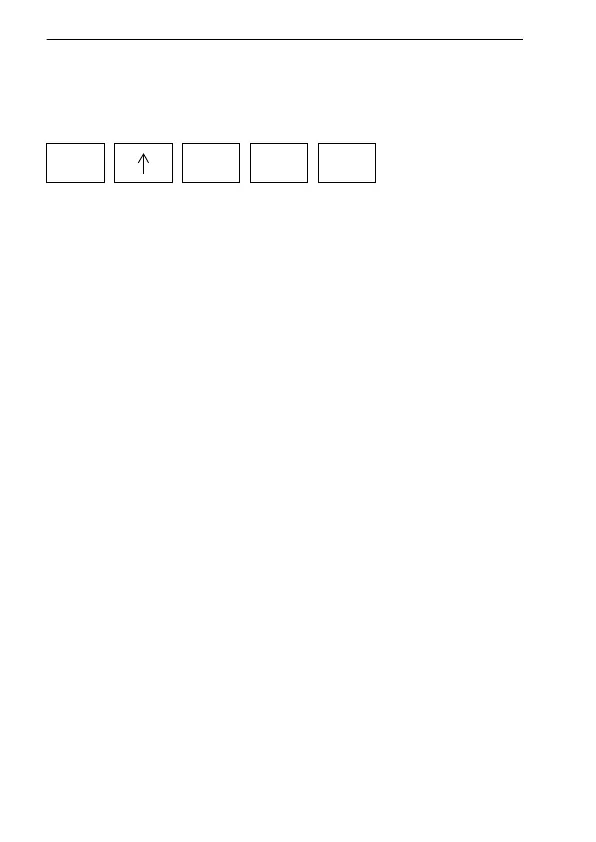
• When STO MEM has been selected by pressing [*] and
then [↑], "STO" and an address number are shown in the
display (they flash on and off alternately)
• The address number can be modified using the up / down
keys, or a new address can be entered using the number
keys.
• When you press [ENTER], the setup and the current
result are stored at the address displayed.
• Entry is acknowledged by "!STO" which appears in the
lower right-hand corner of the display.
• If you store a setup at an address where a setup has
already been stored, the old setup will be overwritten.
You can determine beforehand whether an address is
free or not by using DISPLAY MEM
(see section 4.2.7.4 on page 4-67).
• To quit memory mode, press [*] and then [↓↓],
(MEMORY OFF).
You can also quit memory mode by pressing any function
key, e.g. [TUNE] or [DEMOD].
*
2 5 ENTER
STO MEM



 To Next Page