SPM-32A ... SPM-36A 4.2 Operation and features
4-67
4.2.7.4 DISPLAY
Stored setups can be viewed with the DISPLAY MEM
function. This gives you
– an overview of the memory contents
– a way of reading off the results stored with the setups.
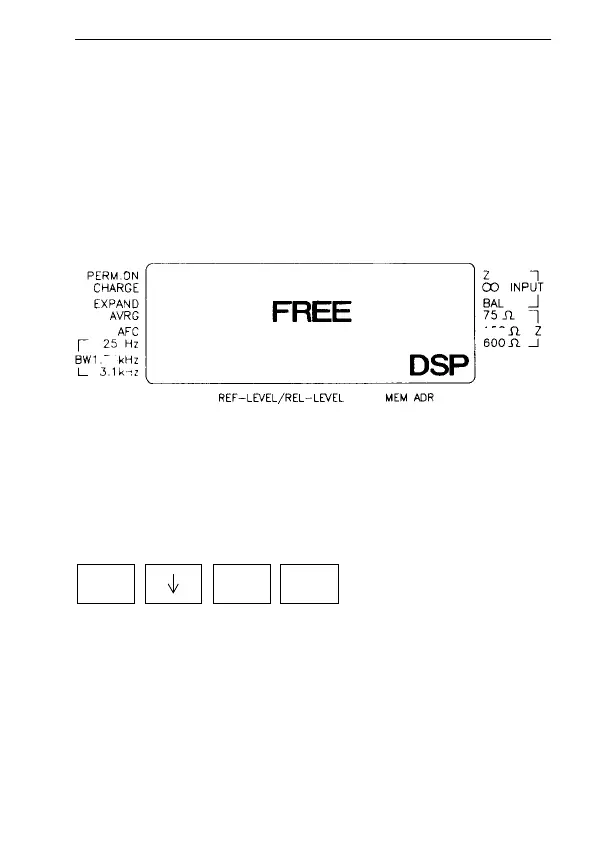
If nothing is stored at a particular address, "FREE" is shown
in the display.
Fig. 4-24 DISPLAY MEM display, address is unoccupied. "DSP"
and the address number flash on and off alternately.
Example: How to check what is stored at address 0:
1st setup:
– After you have selected DISPLAY MEM by entering [*]
and then [↓], "DSP" and "0" (the address number) flash
on and off alternately.
– If you alter the address number using the up / down keys,
you do not need to press [ENTER] (key is disabled).
150
74
*
0 ENTER
DISPLAY MEM



 To Next Page