SPM-32A ... SPM-36A 4.2 Operation and features
4-43
4.2.4.1 Setting the bandwidth
SPM-32A/-33A/-36A:
Note:
A 100 Hz filter option for the instrument can be used
to replace the 25 Hz filter (option BN 4033/00.52).
The following on the 25 Hz filter applies in principle to
the 100 Hz filter.
There is a choice of 3 bandwidths when the selective mode
has been selected. If you are in wideband mode you can
switch to selective mode by selecting one of these
bandwidths (see section 4.2.1.1 on page 4-16).
To select a new bandwidth, e.g. 3.1 kHz, enter:
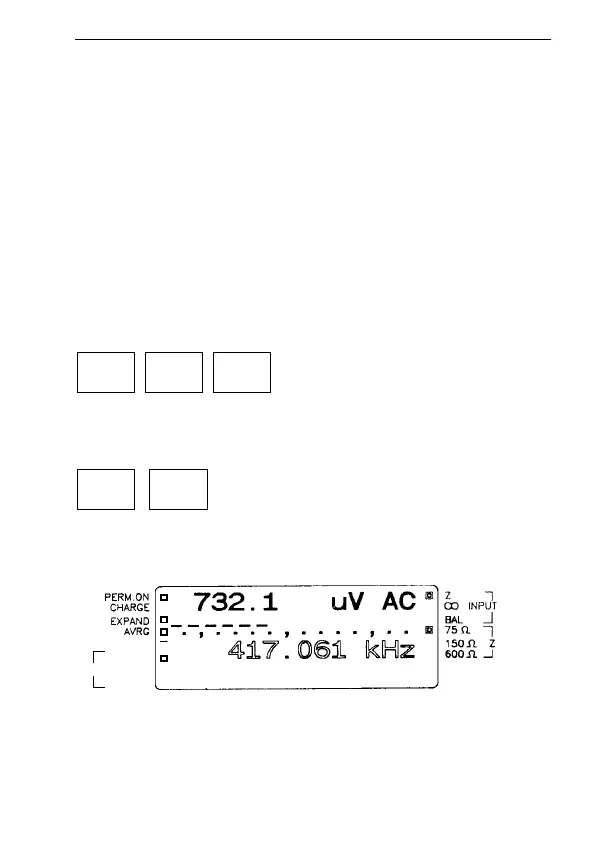
Fig. 4-16 The example shows the 25 Hz is selected
4 6
1.74 k
5
3.1 k25
*
3.1 k
6
3.1 H
z
BW 1.74 kHz
25 Hz
AFC



 To Next Page