4-64
4.2 Operation and features SPM-32A ... SPM-36A
4.2.7.3 Recall setup (RCL)
You can recall a stored setup as often as you want from
memory. When you press [ENTER] the instrument is set to
the recalled setup and the measurement is started
immediately.
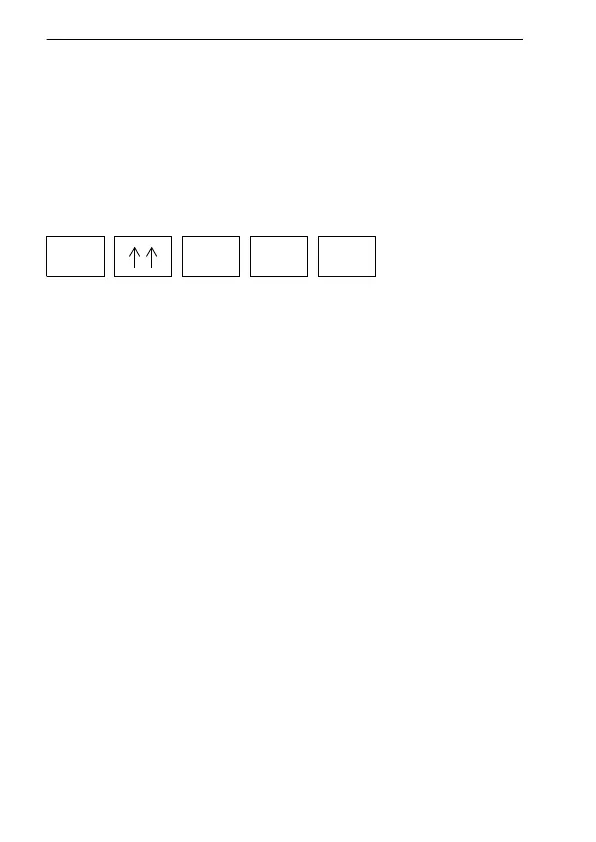
Recalling a setup, e.g. stored at address 25
• After selecting RCL MEM mode by entering [*] and then
[↑↑], an address number is displayed in the lower right-
hand corner of the display.
• The address number can be modified using the up / down
keys or by entering a new address number using the
number keys (see section 4.2.7.1 on page 4-60).
• When [ENTER] is pressed, the instrument is set to the
recalled setup and the instrument starts measuring.
• An exclamation mark to the left of the address number
(e.g. "!25") acknowledges the previous procedure.
• Quit memory mode by pressing [*] and then [↓↓] "MEM
OFF".
You can also quit memory mode by pressing any other
function, key, e.g. [TUNE] or [DEMOD].
• If you attempt to recall a setup from an address at which
nothing has been stored, the default setup will be set
(selective measurements at f = 8 kHz).
*
2 5 ENTER
RCL MEM



 To Next Page