SPM-32A ... SPM-36A 4.2 Operation and features
4-27
4.2.3.1 Frequency entry (TUNE: keypad or
steps)
The selective receiver is selected by pressing:
The receive frequency can be set in the following ways:
– Numerical entry using the number keys
– In steps using the up / down keys
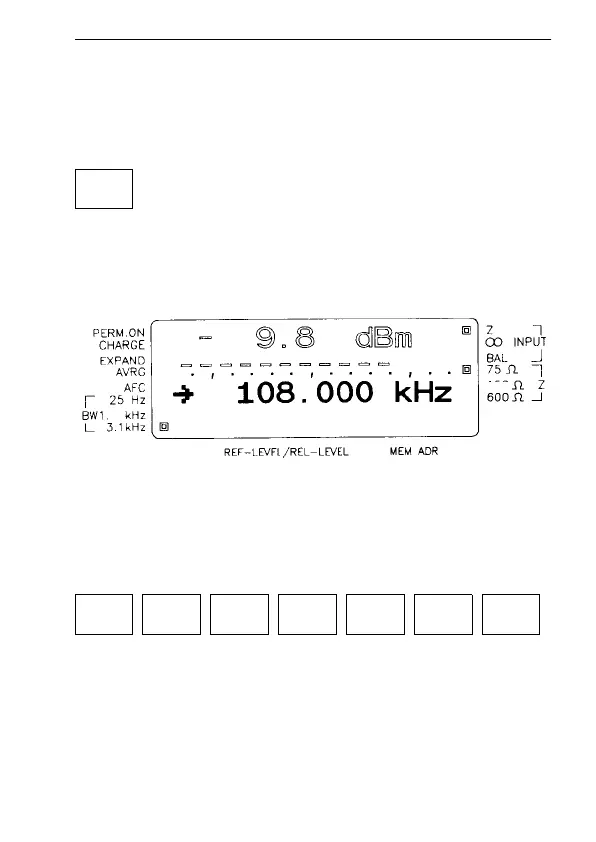
Fig. 4-6 Typical display in TUNE mode
Entering a frequency using the number keys
Example: 1.2345 MHz:
Note: When you enter a number, the instrument always
takes it to be in kHz
TUNE
150
74
1 2 3 4 . 5 ENTER



 To Next Page