Hardware Manual
28
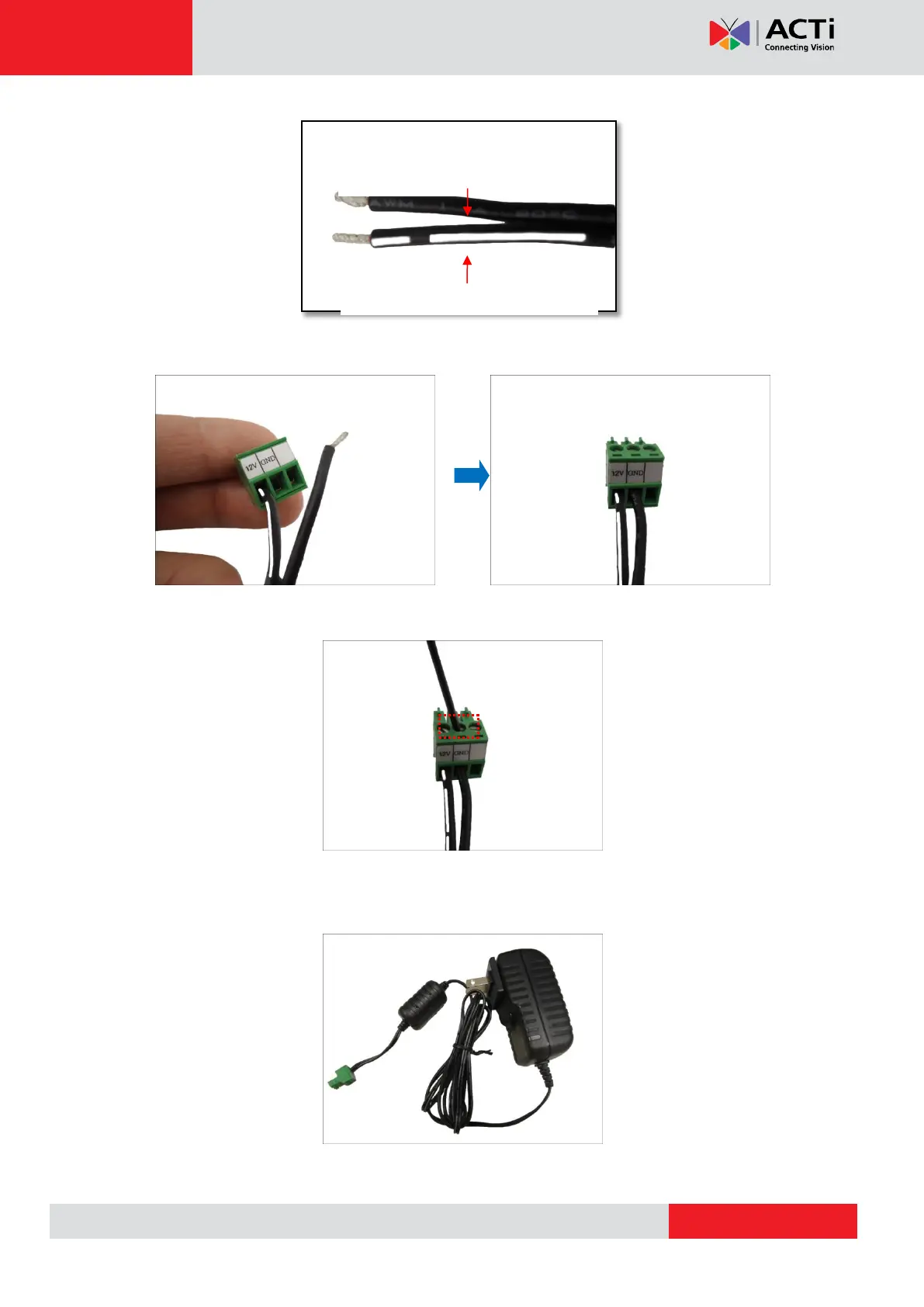
Connect the wire with the white stripe to the 12V pin and the other to the GND pin.
4. Tighten the screws of the 12V pin and the GND pins to secure the wire connection.
5. Set the prepared power adapter for connection later. Below is an example of a power
adapter with an attached terminal block.
NOTE: The power adapter is not bundled in the package.
White stripe: Connects to 12V Pin



 To Next Page