Hardware Manual
27
Other Cable Connections (Optional)
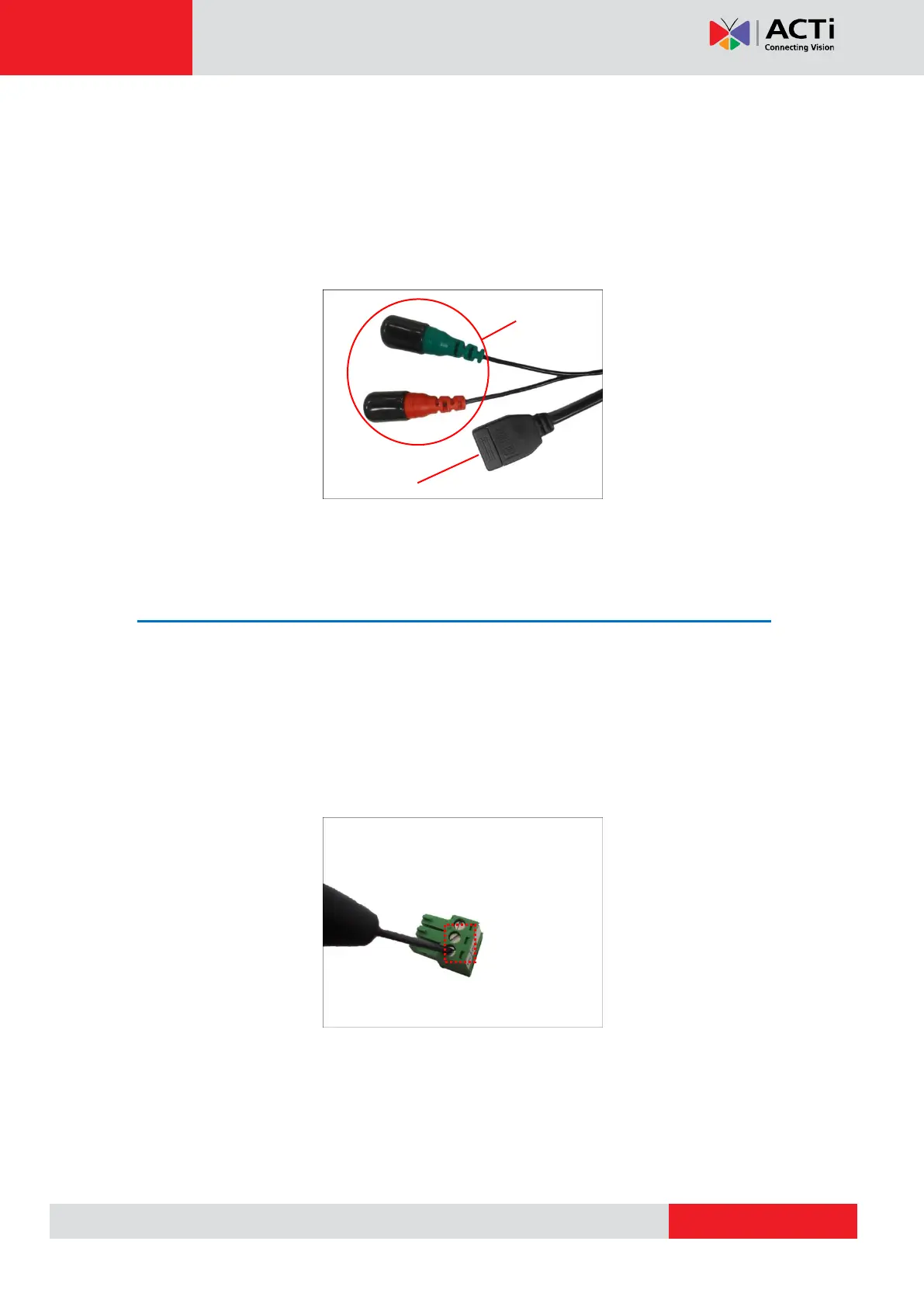
This section describes the procedures in preparing and connecting Digital Input and Output
(DI/DO), such as alarms, sensors, etc., and Audio Input and Output devices. The use of these
devices, however, is optional.
NOTE: If these connectors will not be used, leave the caps on to avoid water or dust from
entering the connectors.
Connecting a Power Adapter (Optional)
In case of using a non-PoE switch or your PoE switch has limited power supply, you can
purchase a power adapter and directly connect the camera to a power outlet. The power
adapter must be connected to the supplied terminal block before use.
To do this, follow the procedures below:
1. Loosen the screws of the 12V and GND pins of the power terminal block.
2. Take note that a standard power adapter cable has two (2) different wires:



 To Next Page