Hardware Manual
41
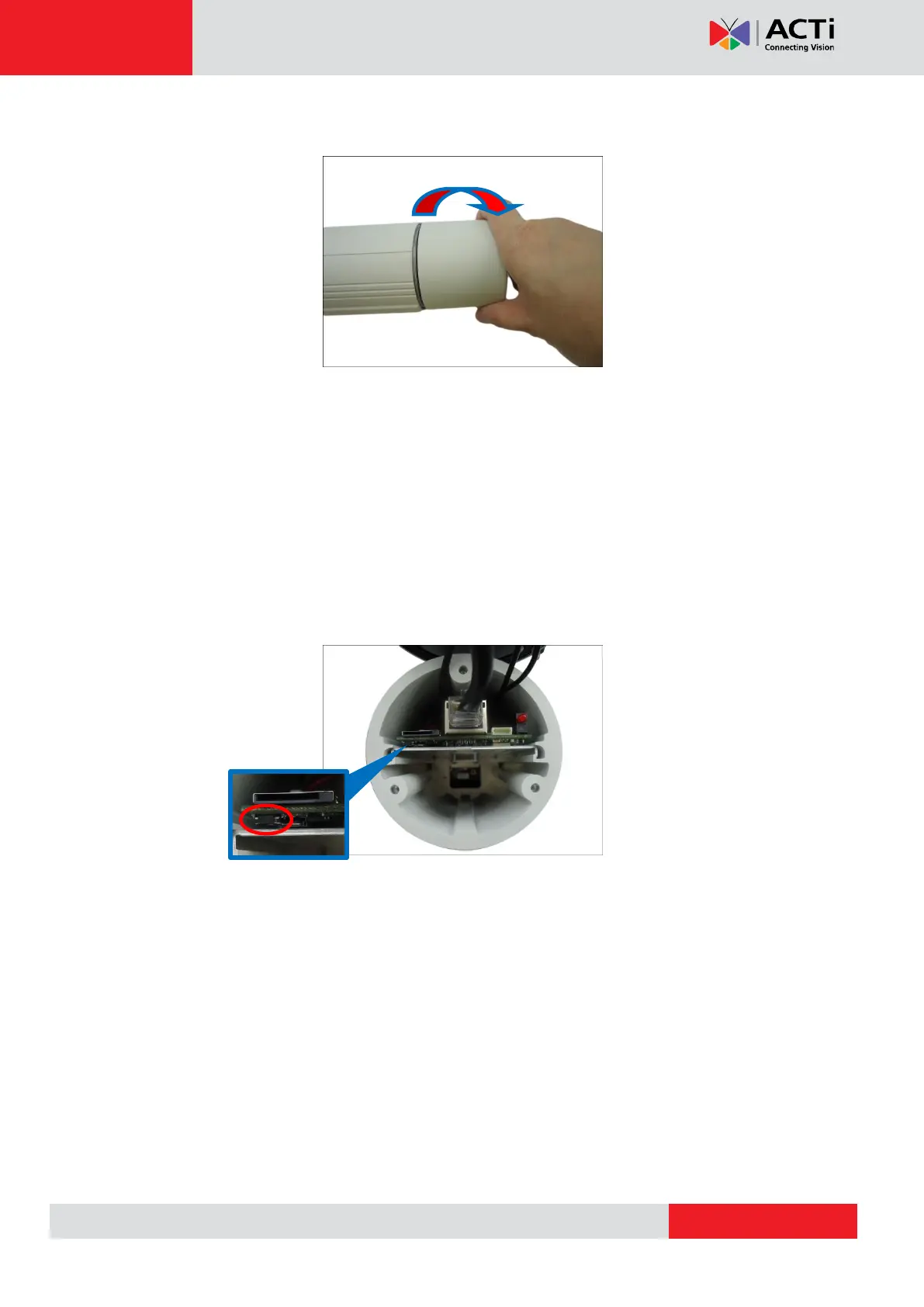
3. When done, close the front cover.
CAUTION: The front cover must be tightly closed to ensure water and dust do not go
through any opening.
Resetting E48
Do the following procedures to access the Reset button and restore the camera its default
factory settings.
1. Open the camera back cover. See Opening the Back Cover of E48, E416 on page 34.
2. Press and hold the Reset button for at least 5 seconds or until the LED lights up.
3. Attach the back cover. See Closing the Back Cover of E48, E416 on page 35.



 To Next Page