Hardware Manual
35
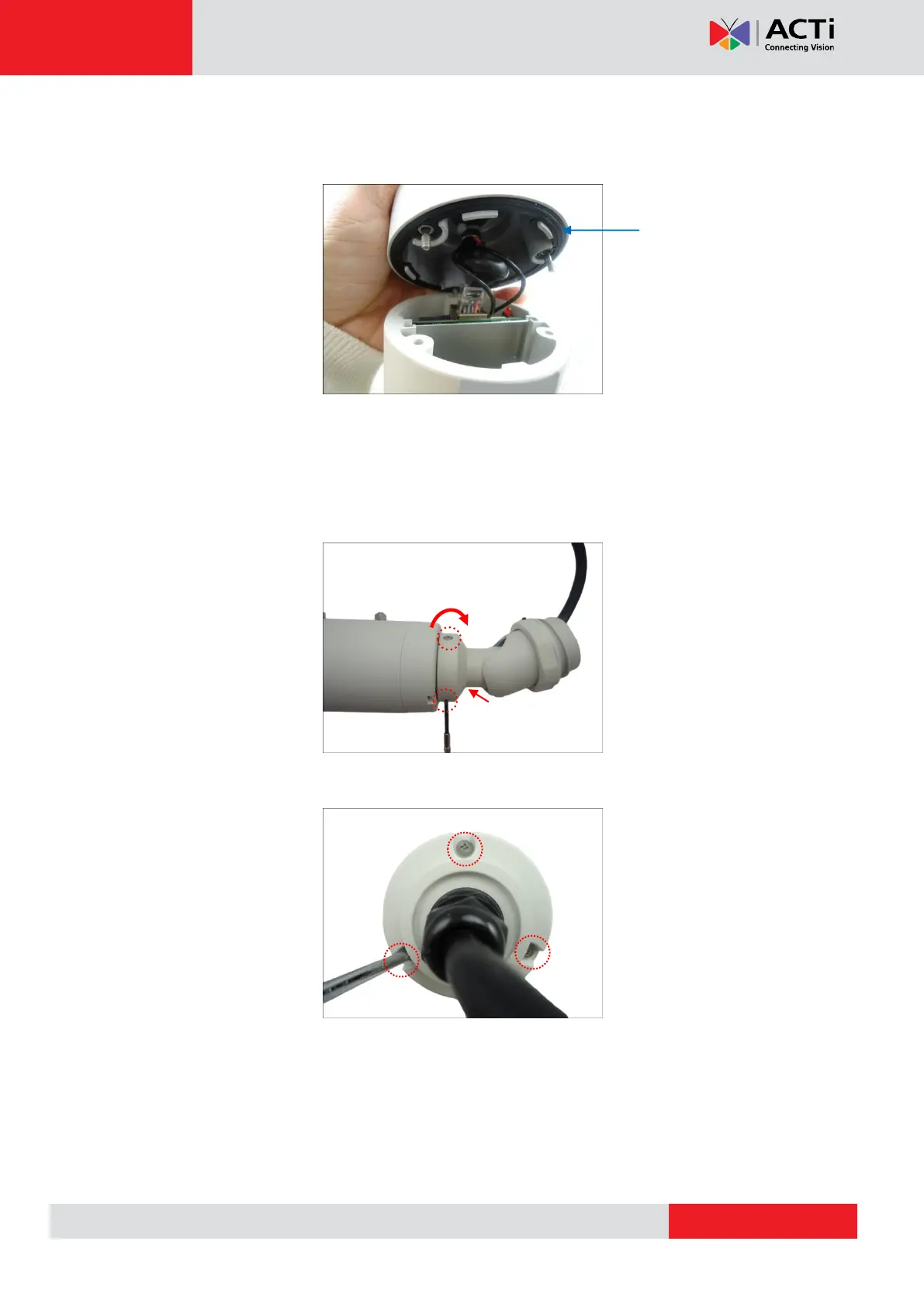
Closing the Back Cover of E48, E416
1. Align the screws and the guides of the back cover to the camera.
NOTE: Ensure that the rubber is properly aligned to the cover when closing the back
cover.
2. Tighten the three (3) screws to secure the back cover.
3. Attach the three (3) screws to attach the integrated bracket to the camera.



 To Next Page