Hardware Manual
15
6. Determine whether the camera cable will go through the surface or be routed along the
surface.
If the camera cable will go through a hole on the surface, do the following:
a. Drill the cable hole (based on the drill template) on the surface.
b. Route the cable(s) from the network side through the hole on the surface.
c. Connect the cables, see Step 3: Waterproof and Connect the Cable(s) on page 17.
d. Push the cable(s) into the cable hole of the surface, then proceed to Step 2: Mount
the Camera below.
If the camera cable will be routed along the surface, continue with the next step.
Step 2: Mount the Camera
NOTE: For simplicity of documentation, the following illustrations show the camera mounted
on the ceiling. The same procedures apply for mounting the camera on a wall.
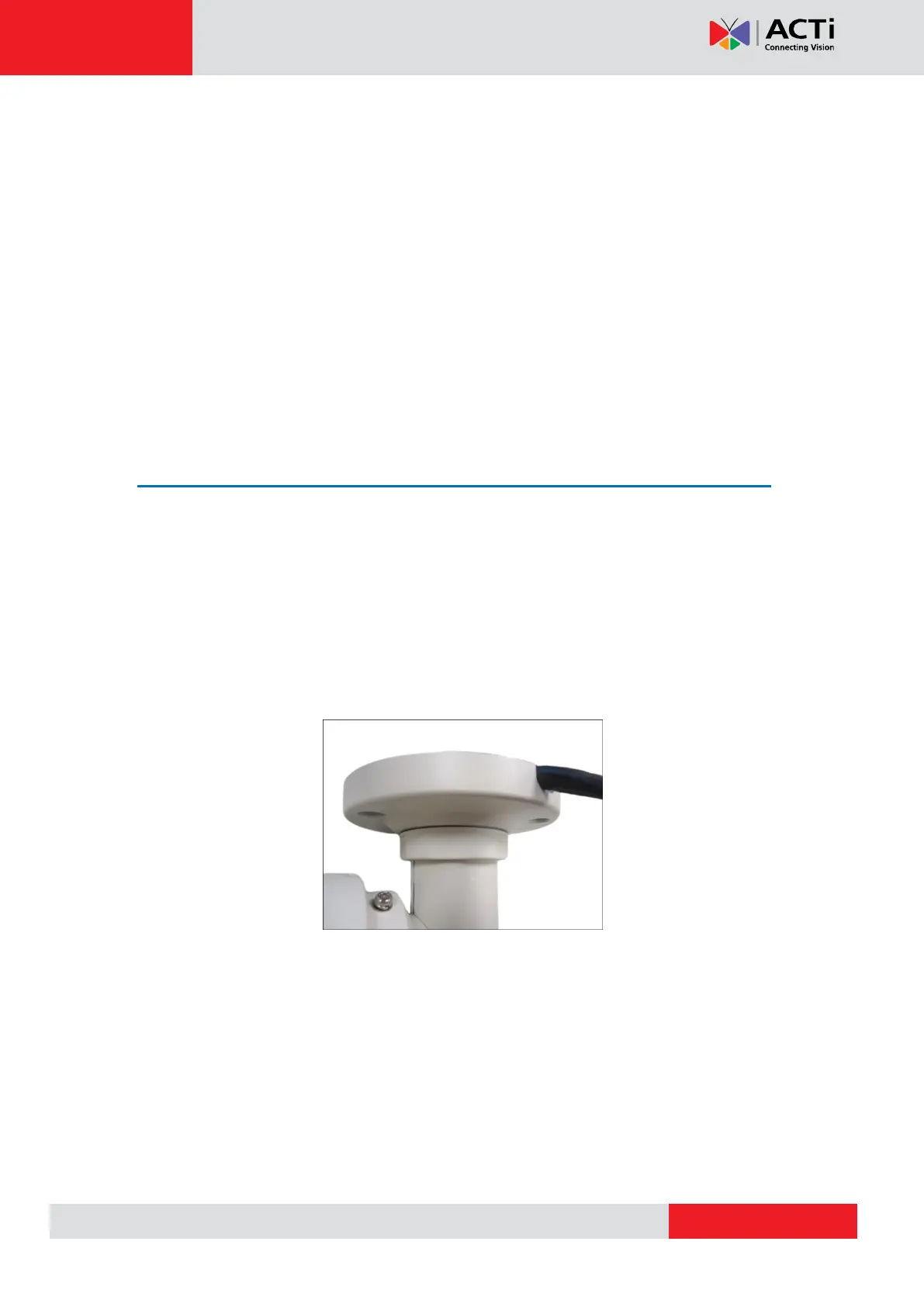
1. Route the cable:
If the cable will go through a hole on the surface, push the cable(s) through the
hole on the surface.
If the cable will go along the surface, route the cable through the gap on the
bracket.



 To Next Page