Ford Historic (OBD I) Diagnostics
6 – 12 • • • • • • • • • • • • • • • • • • • • • • • • • • • • • • • • • • • • • • • • • • • • • • • • • • • • • • • •
6
Computed Timing Check (1984-1991 EEC-IV Vehicles)
✓ This option of the KOER Read Codes function allows you to check
both the Base engine timing (no computer adjustment) and the
ability of the computer to control spark advance.
✓ This does not apply to 7.3L diesel vehicles.
✓ Connect a timing light to the vehicle in accordance with the
manufacturer’s instructions. (For 2.3L dual plug engines, use
exhaust side plug. Refer to ignition system section in the service
manual for specific instructions.)
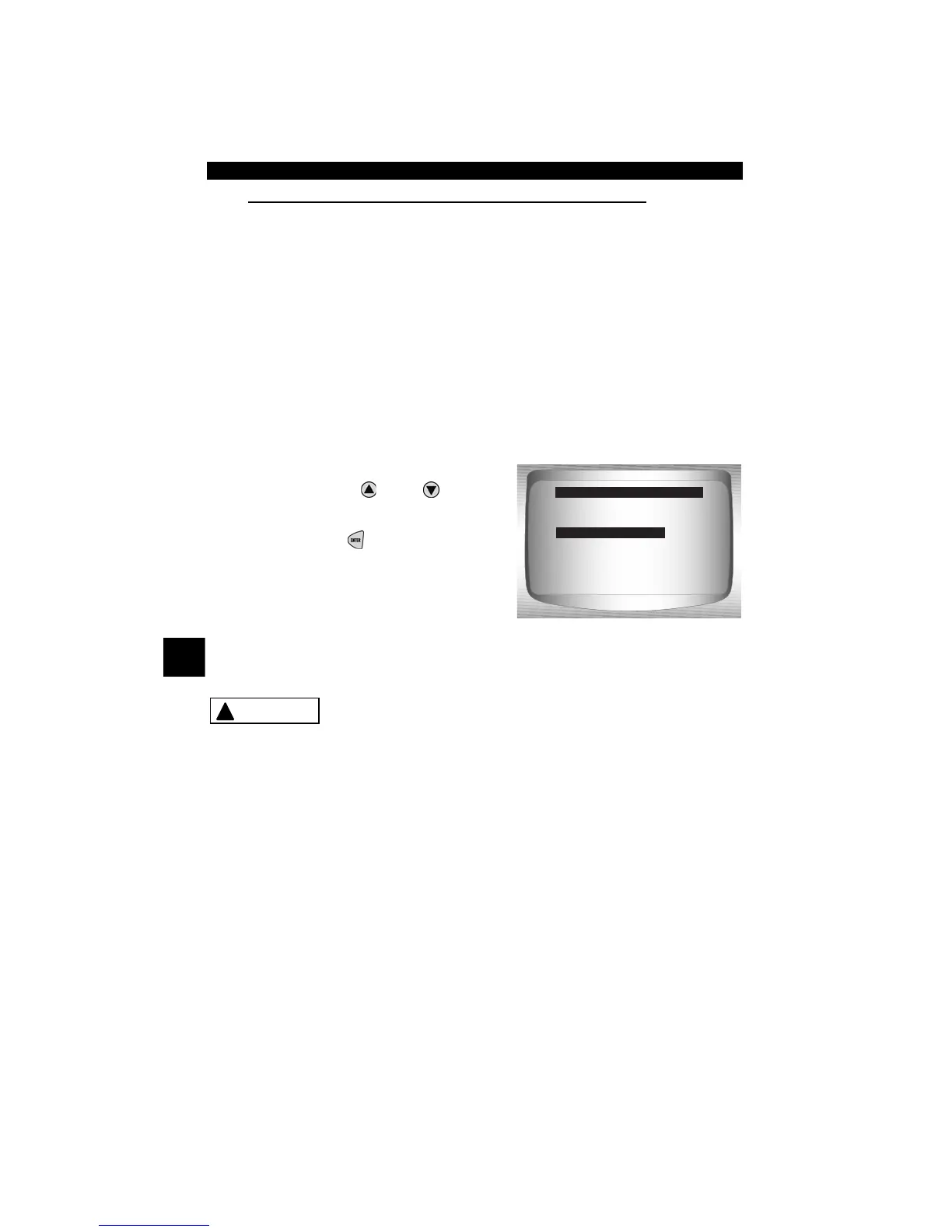
From the Select Code Type menu:
1. Select Computed Timing.
• Use the
UP
or
DOWN
arrow keys until Computed
Timing is highlighted.
• Press
ENTER
.
✓ Perform the following
step-by-step. Failure to perform
these steps may set a false DTC in
the PCM — observe the display.
Avoid cooling fan! It may turn on during test.
1) Set parking brake.
2) Transmission in park (P) or neutral (N).
3) Turn A/C off.
4) Start engine and let idle until hot.
5) Turn ignition key off.
6) Wait 10 seconds. start engine and let Idle.
7) If vehicle is equipped with manual transmission, release clutch.
Fast Codes
Slow Codes
Computed Timing
Select Code Type
Computed Timing
!
CAUTION



 To Next Page