• • • • • • • • • • • • • • • • • • • • • • • • • • • • • • • • • • • • • • • • • • • • • • • • • • • • • • • • 3 – 23
Using The Scan Tool
3
✓ When selected data does not exist in the Scan Tool’s memory, a
message informs the user to run the function.
3.Return to Select Print Data screen.
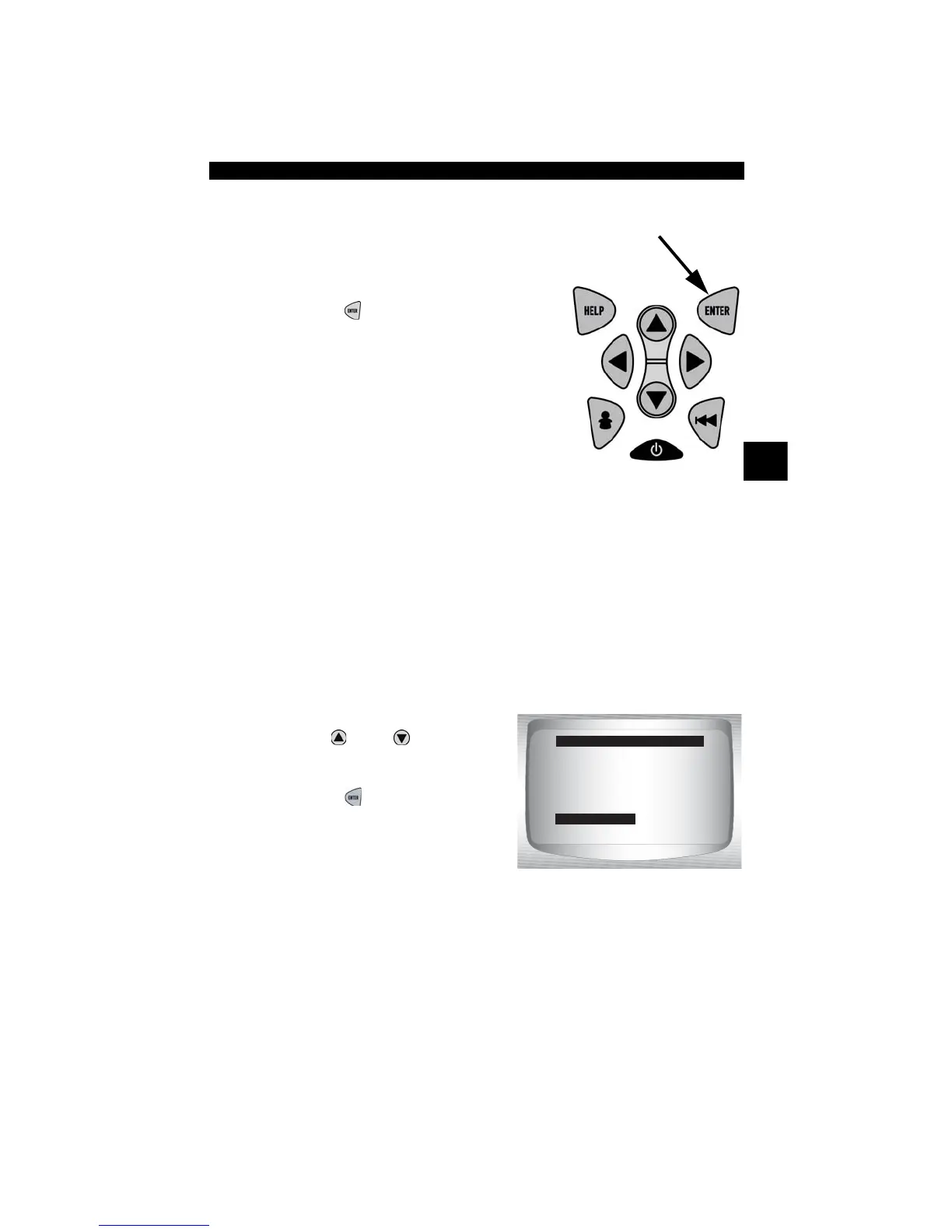
•Press
ENTER
.
Code Lookup
Code Lookup is used to look up definitions of DTCs stored in the Scan
Tool.
✓ The Scan Tool does not require power from the vehicle to perform this
function.
1.Select Code Lookup.
•Use
UP
or
DOWN
arrow
key until Code Lookup is
highlighted.
•Press
ENTER
.
Datastream ?
Diagnostic Codes
Special Tests
Review Data
Print Data
Code Lookup
Tool Setup
Global Function List
Code Lookup



 To Next Page