Using The Scan Tool
3 – 26 • • • • • • • • • • • • • • • • • • • • • • • • • • • • • • • • • • • • • • • • • • • • • • • • • • • • • • •
3
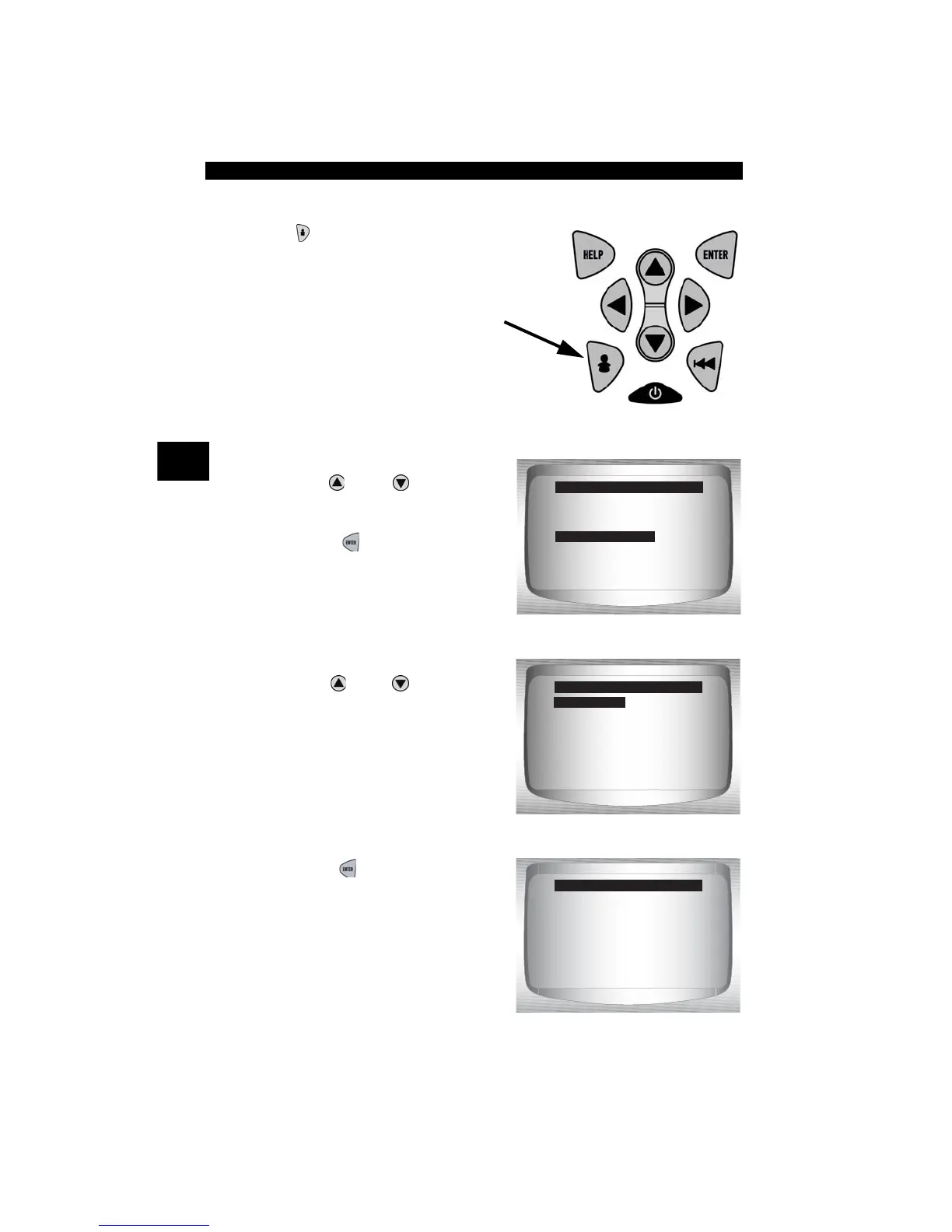
Setup User Key
The USER KEY allows the operator to
read or erase codes with the touch of a key.
✓ The User Key can only be used when the
Scan Tool is in a vehicle specific
Function List or a sub menu.
From Tool Setup Menu:
1.Select Setup User Key.
•Use
UP
or
DOWN
arrow
key until Setup User Key is
highlighted.
•Press
ENTER
.
2.Choose desired setting(s).
•Use
UP
or
DOWN
arrow
keys
to move up and down list.
3.Press
ENTER
key to save
settings.
English/Metric
Contrast Adjust
Be eper
Setup User Key
Tool Setup Menu
Setup User Key
Read Codes
Erase Codes
User Key Setup
Read Codes
User key is set to
Read Codes.
Press ENTER
to continue.
User Key Setup



 To Next Page