Using The Scan Tool
3 – 18 • • • • • • • • • • • • • • • • • • • • • • • • • • • • • • • • • • • • • • • • • • • • • • • • • • • • • • •
3
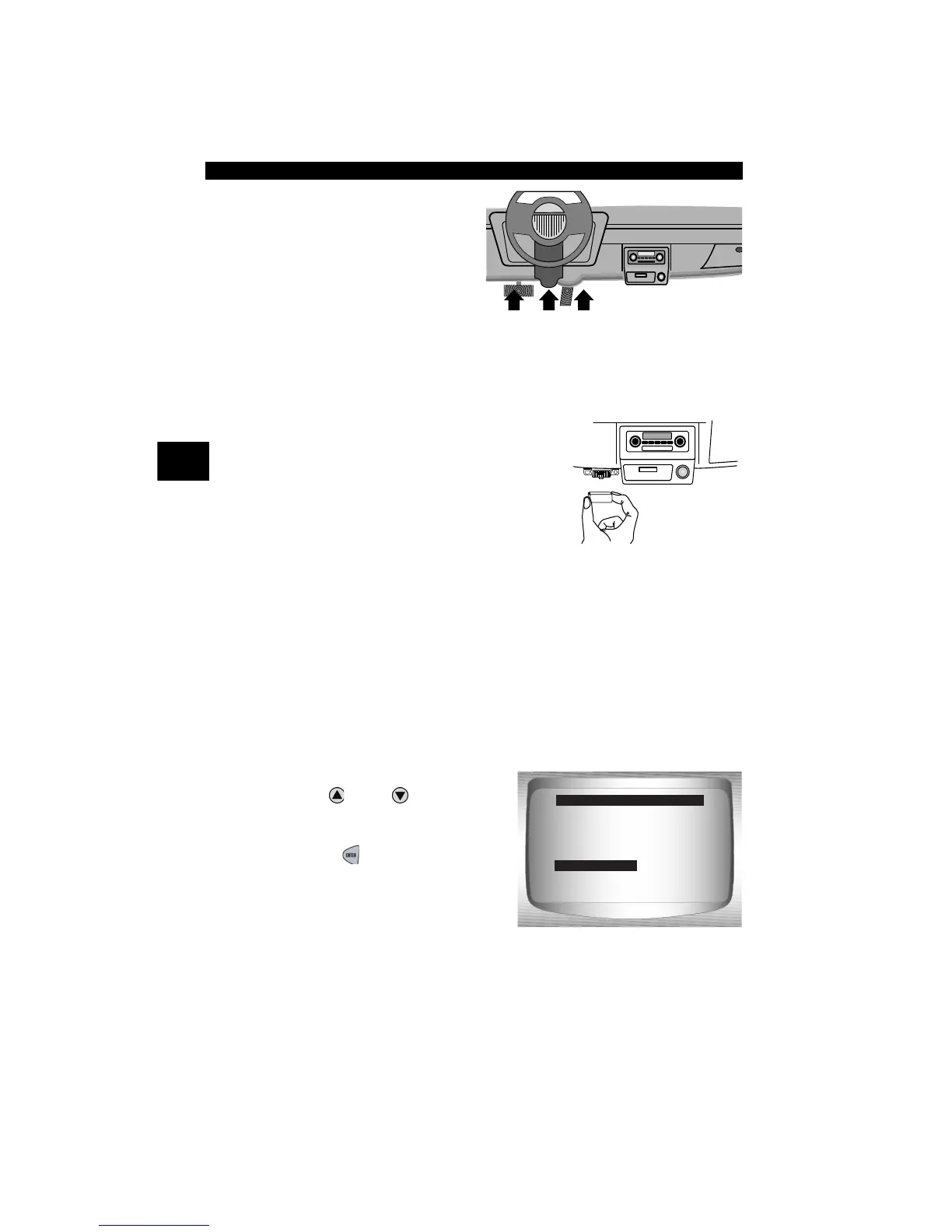
2.Find DLC on vehicle.
•For OBD II vehicles, look
under the dashboard on the
driver’s side of the vehicle.
•If the DLC is not located
under the dashboard, a
label should be there telling
the location.
For GM, Ford, and Chrysler Historic vehicles refer to “
Appendix B - Data
Link Connectors
".
3.Remove DLC cover if required.
4.Connect cable to vehicle.
•Make sure pins are not bent.
✓ Use the appropriate vehicle cable for
vehicles that require the extension cable.
Review Data
✓ The Review Data function allows the user to view the information
from the previous vehicle tested.
✓ Scan Tool does not require power from the vehicle to use the
Review Data function.
1. Select Review Data.
•Use
UP
or
DOWN
arrow
key until Review Data is
highlighted.
•Press
ENTER
.
Global OBD II
Domestic Vehicles
European Vehicles
Asian Vehicles
Review Data
Print Data
System Setup
Main Menu
Review Data



 To Next Page