Using The Scan Tool
3 – 8 • • • • • • • • • • • • • • • • • • • • • • • • • • • • • • • • • • • • • • • • • • • • • • • • • • • • • • • •
3
✓ System Setup settings remain until internal battery becomes
discharged or is removed.
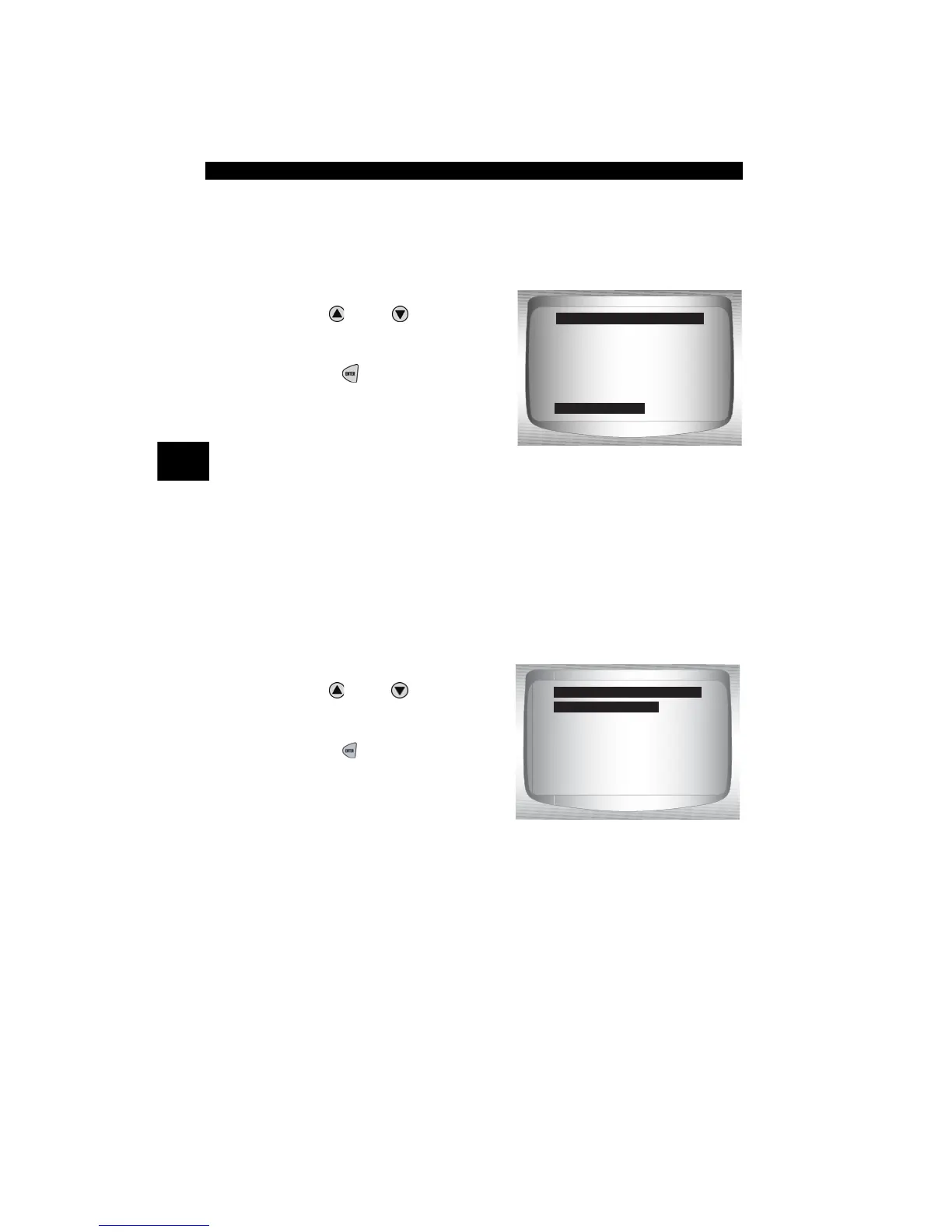
From Main Menu:
1.Select System Setup.
•Use
UP
or
DOWN
arrow
key until System Setup is
highlighted.
•Press
ENTER
.
Changing Measurement Units
✓ English is the default measurement unit.
✓ Measurement units can be changed in View and Record Data.
From System Setup screen:
1.Select English/Metric.
•Use
UP
or
DOWN
arrow
key until English/Metric is
highlighted.
•Press
ENTER
.
Global OBD II
Domestic Vehicles
European Vehicles
Asian Vehicles
Review Data
Print Data
System Setup
Main Menu
System Setup
?
English/Metric
Contrast Adjust
Be eper
Auto Power Off
Tool Information
Display Test
Keyboard Test
System Setup
English/Metric



 To Next Page