Global OBD II Diagnostics
4 – 18 • • • • • • • • • • • • • • • • • • • • • • • • • • • • • • • • • • • • • • • • • • • • • • • • • • • • • • • •
4
4
4. Observe Command Sent message
is displayed.
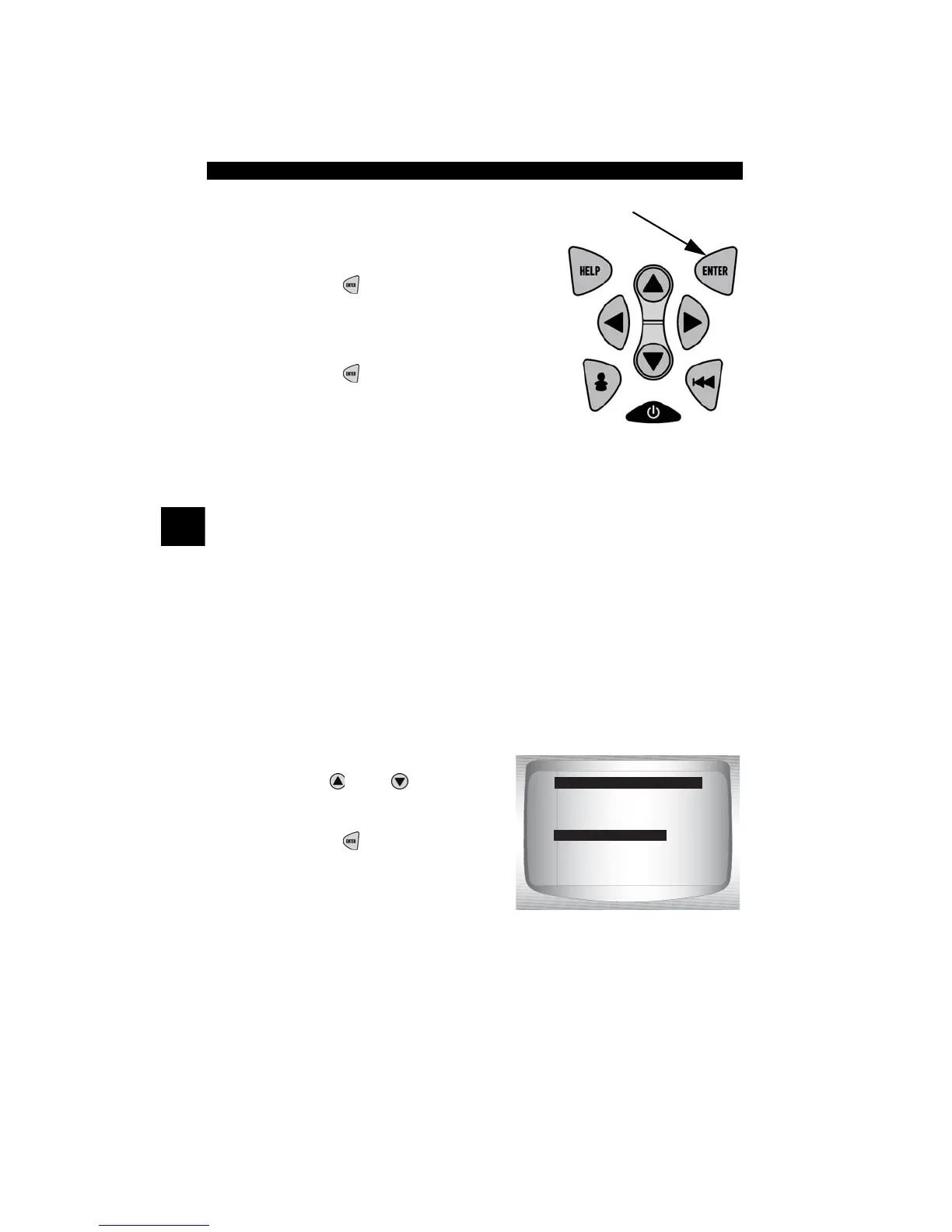
•Press
ENTER
.
5. Return to Diagnostic Codes Menu.
•Press
ENTER
.
View Freeze Data
When an emission-related fault occurs, certain vehicle conditions are
recorded by the on-board computer. This information is referred to as
freeze frame data. View Freeze Data is a snapshot of the operating
conditions at the time of an emission-related fault.
✓ View Freeze Data can be overwritten by faults with a higher priority.
✓ If codes were erased, View Freeze Data may not be stored in vehicle
memory depending on vehicle.
From the Diagnostic Codes Menu:
1. Select
View Freeze Data.
•Use
UP
or
DOWN
arrow
key until View Freeze Data is
highlighted.
•Press
ENTER
.
Read Codes
Pending Codes
Erase Codes
View Fre eze Data
Review Data
Print Data
Code Lookup
Diagnostic Codes Menu
View Fre eze Data



 To Next Page