• • • • • • • • • • • • • • • • • • • • • • • • • • • • • • • • • • • • • • • • • • • • • • • • • • • • • • • • • 3 – 5
Using The Scan Tool
3
Do not soak keypad as water might find its way
inside the Scan Tool.
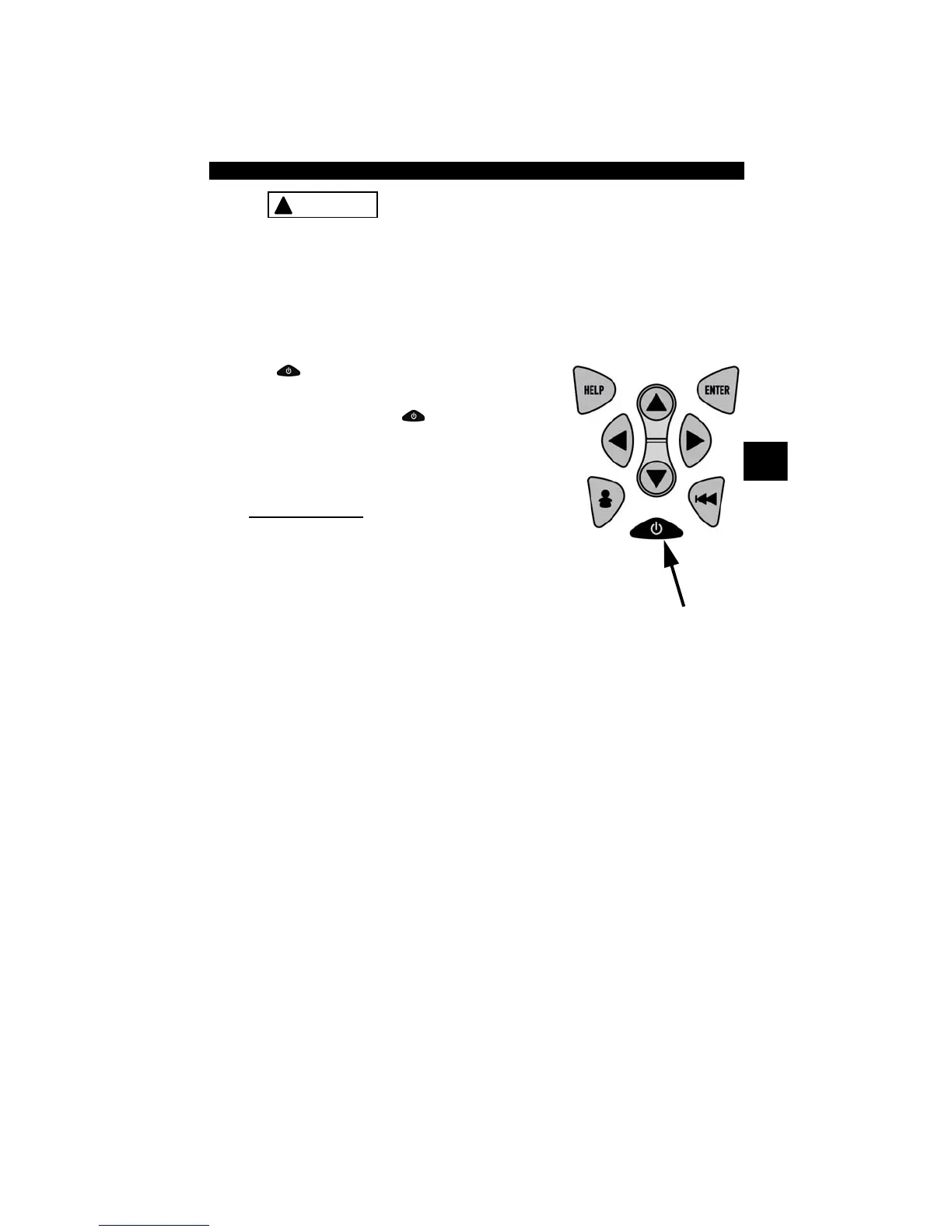
Power
✓ Refer to Scan Tool Does Not Power Up in section 9
Troubleshooting on page 9-2 if there are problems.
✓
ON/OFF
button on Scan Tool turns
tool on and off.
❒ Press and hold
ON/OFF
key for at
least 1 second to turn on Scan Tool.
Internal Battery
✓ When powered from the internal battery,
the Scan Tool disables the display’s
backlighting and turns OFF after a period of inactivity.
!
CAUTION



 To Next Page