Using The Scan Tool
3 – 6 • • • • • • • • • • • • • • • • • • • • • • • • • • • • • • • • • • • • • • • • • • • • • • • • • • • • • • • •
3
✓ Each time the Scan Tool is
powered up, voltage of the internal
battery is checked.
❒ If voltage is low, the Low
Battery Symbol ( ) displays
on screen.
❒ Replace the battery using
instructions provided in Battery
Replacement.
If the Scan Tool will not be used for an extended
period of time, remove the battery to prevent battery
leakage from damaging the battery compartment.
Vehicle Power
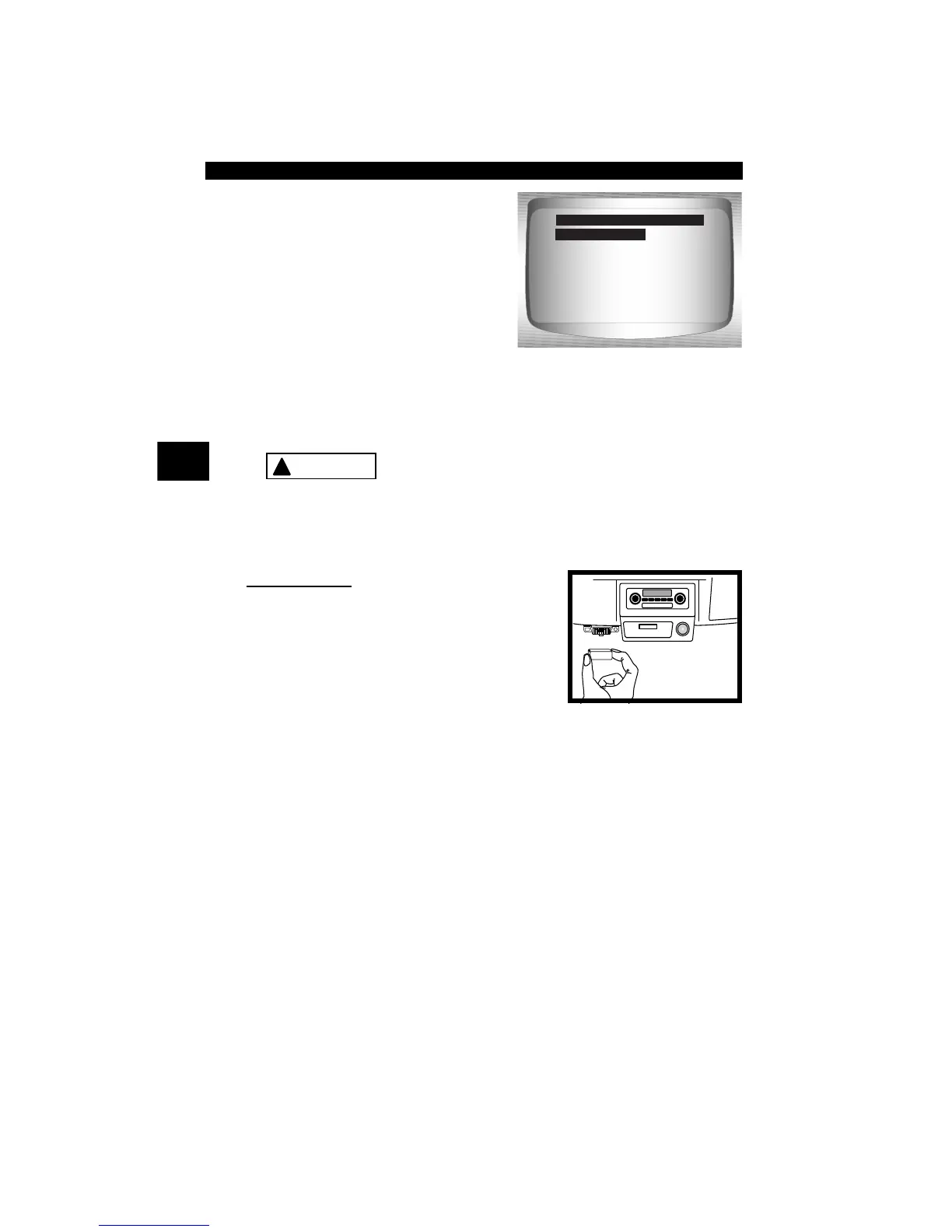
When using the OBD II Cable, the power to
the Scan Tool comes from the vehicle DLC.
Some vehicle cigarette lighters are not
powered when the ignition is in the OFF
position. Therefore, you may wish to use
battery clip adapters.
Global OBD II
Domestic Vehicles
European Vehicles
Asian Vehicles
Review Data
Print Data
System Setup
Main Menu
Global OBD II
!
CAUTION



 To Next Page