Using The Scan Tool
3 – 22 • • • • • • • • • • • • • • • • • • • • • • • • • • • • • • • • • • • • • • • • • • • • • • • • • • • • • • •
3
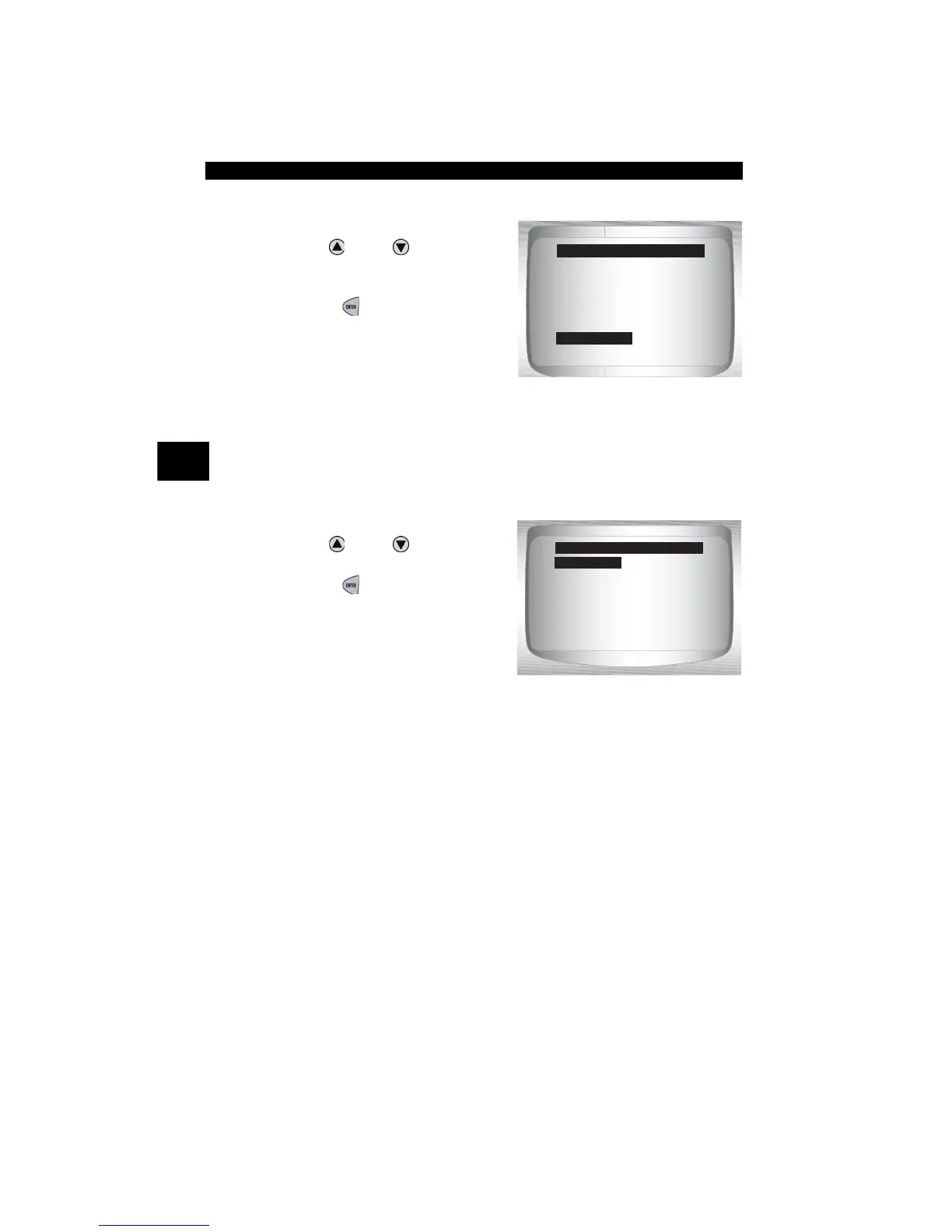
From Special Tests menu:
1.Select Print Data.
•Use
UP
or
DOWN
arrow
key until Print Data is
highlighted.
•Press
ENTER
.
✓ On the Print Menu, Print All prints all data collected by the Scan Tool.
✓ When printing playback data, Start Frame and End Frame need to be
defined.
2.Select Data To Be Printed.
•Use
UP
or
DOWN
arrow
key.
•Press
ENTER
.
✓ The Print Menu shows a check
mark next to the item(s) that has
data.
Diag Mon Tests
On Board Systems
Vehicle Info
Modules Present
Review Data
Print Data
Special Test Menu
Print Data
Print All
I/M Readiness
Read Codes
Pending Codes
Fre eze Data
O2 Monitor Test
Diag Mon Tests
Print Menu
Print All



 To Next Page