Global OBD II Diagnostics
4 – 8 • • • • • • • • • • • • • • • • • • • • • • • • • • • • • • • • • • • • • • • • • • • • • • • • • • • • • • • • •
4
4
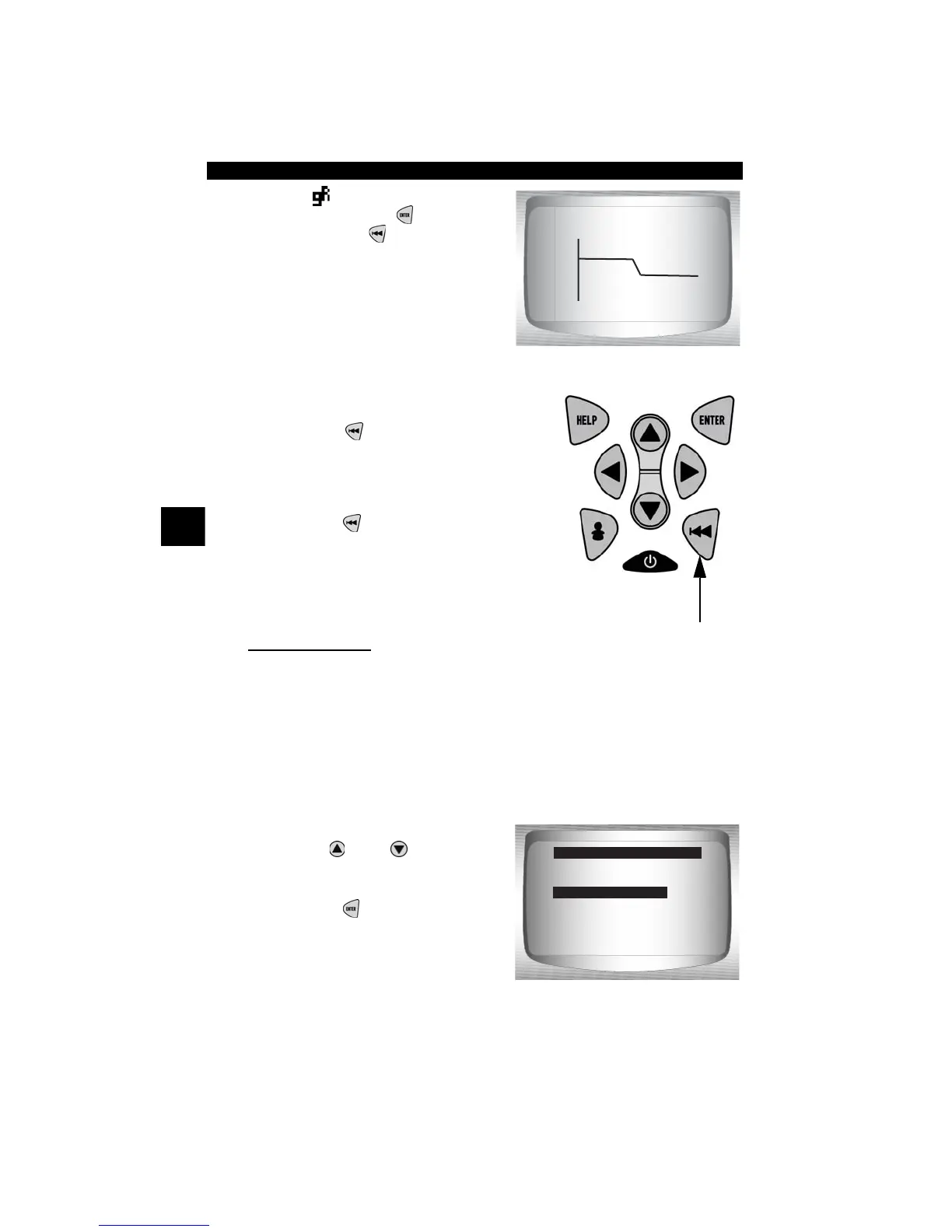
✓ If the icon displays while a PID
is selected press to view
graph. Press
BACK
key to
Return to PID Screen.
✓ Graphing is only available on
1996 and newer vehicles using an
OBD II (J1962) DLC.
5. Return to Select Data to View
Menu.
•Press
BACK
.
6. Return to Datastream Menu.
•Press
BACK
.
Customize Lines
✓ The Customize Lines allows the number of lines to be shown at one
time to be set from 1 to 8.
✓ Selecting fewer lines provides faster update speeds. The default is a
eight-line display.
From Select Data to View menu:
1.
Select Customize Lines.
•Use
UP
or
DOWN
arrow
key until Customize Lines is
highlighted.
•Press
ENTER
.
Entire Data List
Custom Data List
Customize Lines
English / Metric
Select Data to View
Customize Lines



 To Next Page