Global OBD II Diagnostics
4 – 32 • • • • • • • • • • • • • • • • • • • • • • • • • • • • • • • • • • • • • • • • • • • • • • • • • • • • • • • •
4
4
✓ On Non-CAN vehicles the Scan
Tool displays:
❒ Test data (test ID)
❒ Maximum value (MAX)
❒ Test measurements (MEAS)
❒ Minimum value (MIN)
❒ Status (STS)
❒ Measurements and
Specification values are
hexadecimal numbers (i.e.,
$1A, $FE, $11.)
❒ Module (MOD)
OR
✓ On CAN vehicles Scan Tool
displays:
❒ Test performed. The test
performed can be $## if test is
not defined. Refer to vehicle
service manual for details.
❒ Measured values and units of
measured (such as volts,
amps, and seconds).
❒ Status of monitor test data.
❒ Module ID where the monitor
test data came from.
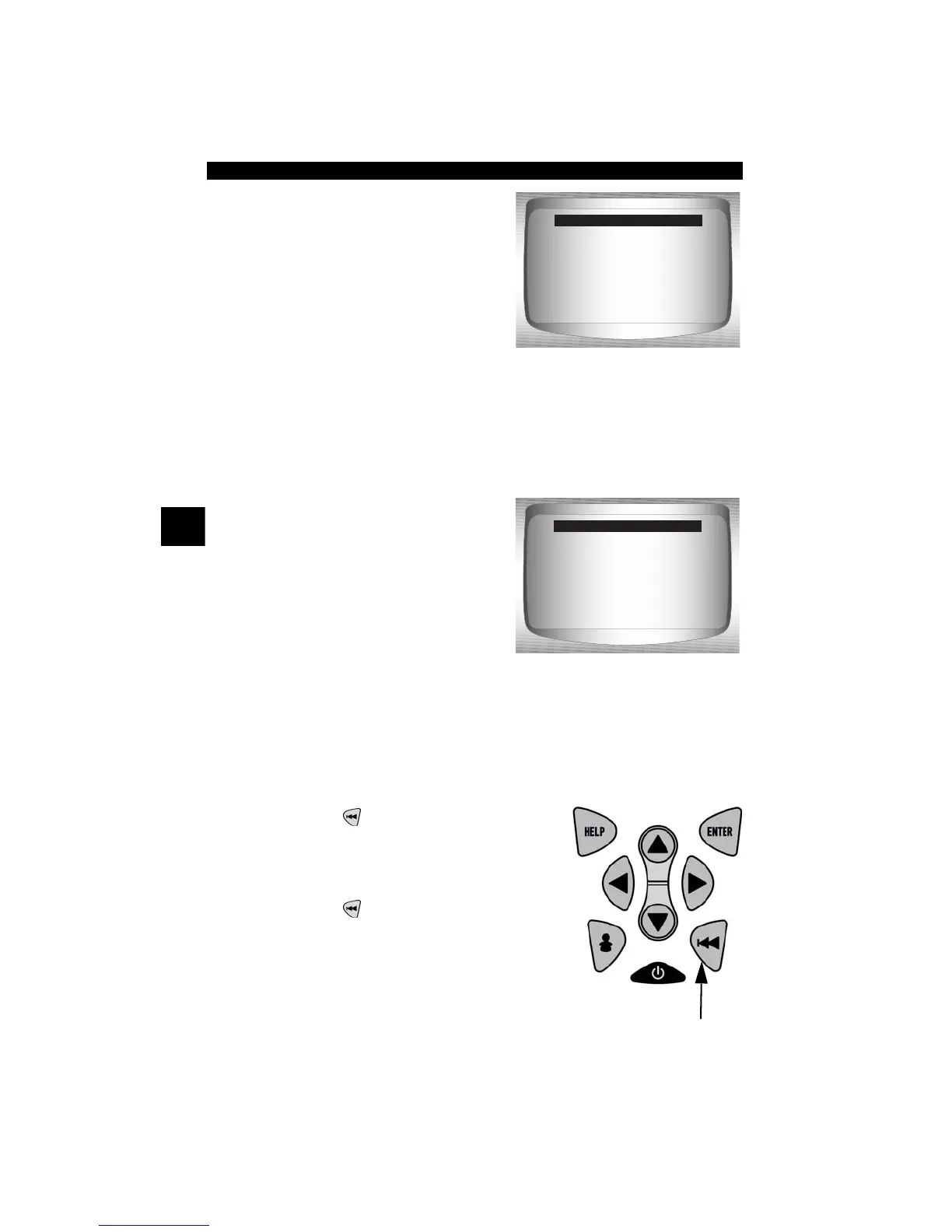
3. Return to Select Test Menu.
•Press
BACK
key.
4. Return to Special Tests Menu.
•Press
BACK
key.
Non-CAN Vehicles
ID: 01
MAX: 0
MEAS: 0
MIN: ----
STS: OK
MOD: $10
Test $53 Data
CAN Vehicles
RICH-LN Thresh
Module $00
MAX: 0.6012 (V)
MEAS: 0.6012 (V)
MIN: 0.6012 (V)
Status: OK
O2 Sensor B2S2



 To Next Page