18
Troubleshooting
Problem Possible Solution
No lightning sensor or
rain gauge reception
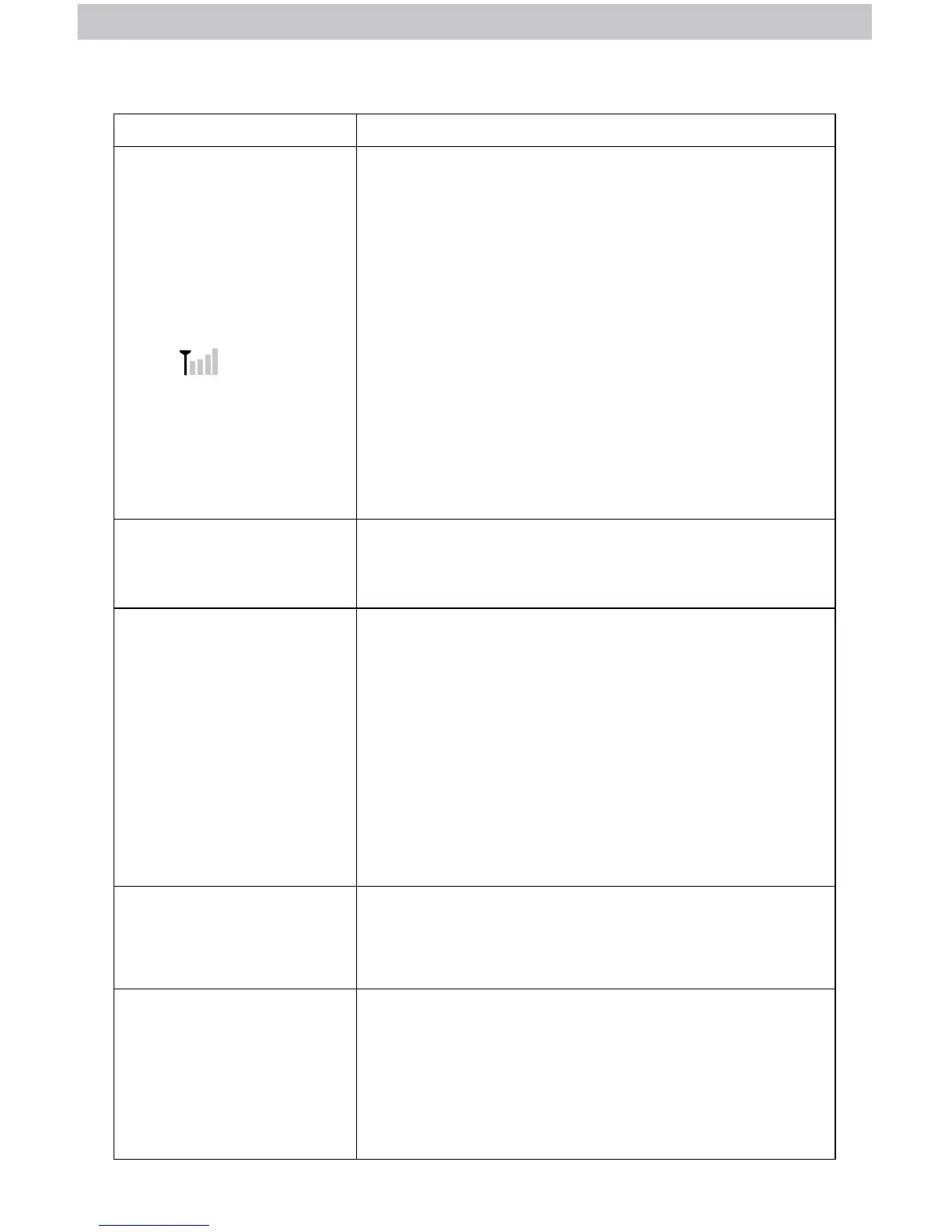
no bars
If the wireless signal indicator shows no bars:
• Relocate the display and/or the lightning sensor.
The units must be within 330 ft (100 m) of each other.
• Relocate the display and/or the rain gauge.
The units must be within 100 ft (30 m) of each other.
• Make sure all units are placed at least 3 feet
(.9 m) away from electronics that may interfere
with the wireless communication (such as TVs,
microwaves, computers, etc).
• Use standard alkaline batteries (or lithium batteries
in sensor when temperature is below -4ºF/-20ºC).
Do not use heavy duty or rechargeable batteries.
NOTE: It may take a few minutes for display and
sensor to synchronize after batteries are replaced.
Display screen
not working
• Check that the power adapter is plugged into the
display and an electrical outlet.
Outdoor temperature
and/or humidity is
ashing or showing
dashes
Flashing of the outdoor temperature and/or humidity
is generally an indication of wireless interference.
1. Bring the lightning sensor indoors and remove at
least one battery. Remove the power adapter
and/or batteries from the display.
2. Reinstall the battery into the lightning sensor.
3. Reinstall the power adapter/batteries into
the display.
4. Let the units sit within a couple feet of each other
for a few minutes to gain a strong connection.
Inaccurate
temperature
or humidity
• Make sure the lightning sensor is placed out of
direct sunlight and away from any heat sources or
vents (see page 13).
Can the rain gauge
remain outdoors in
freezing temperatures?
No, the rain gauge should be brought indoors when
there is a possibility of freezing temperatures. Water
expands when it freezes. If any water is left within the
rain gauge during a freeze, it can crack the plastic and
cause permanent damage.



 To Next Page