19
Troubleshooting
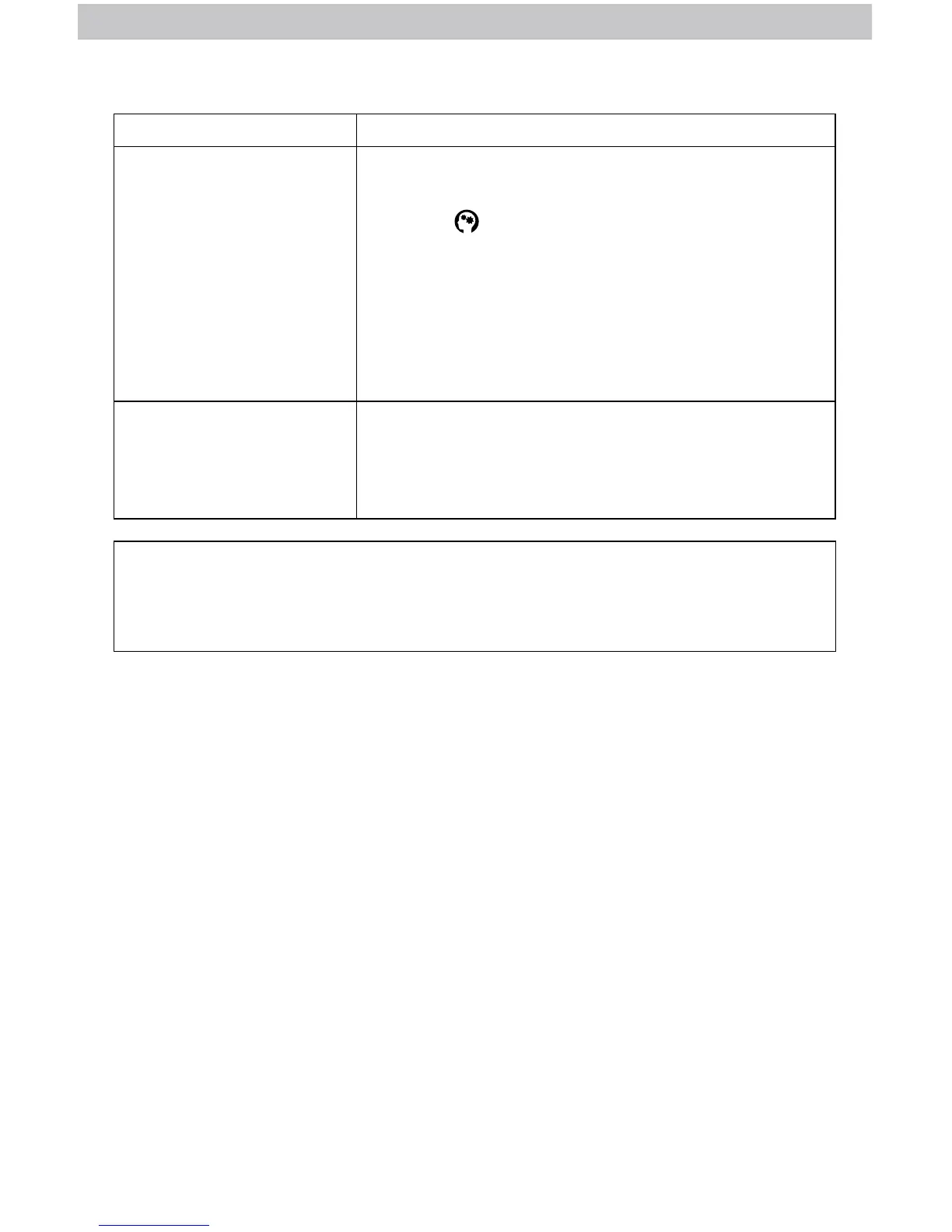
Problem Possible Solution
Inaccurate forecast
• Weather Forecast icon predicts conditions for the
next 12 to 24 hours, not current conditions.
• Has the
icon disappeared from the display?
Learning Mode must complete before forecast and
pressure will be accurate.
• Allow unit to run continuously for 33 days. Battery
removal or resetting the display will restart
Learning Mode. After 14 days, forecast should be
fairly accurate, however Learning Mode calibrates
for a total of 33 days.
Interference
Indicator is ashing
• Relocate the lightning sensor.
• Make sure the lightning sensor is placed at least
3 feet (.9 m) away from electronics that may cause
interference (see page 14).
If your AcuRite product does not operate properly after trying
the troubleshooting steps, visit www.AcuRite.com or call
(877) 221-1252 for assistance.
Care & Maintenance
Display Care
Clean with a soft, damp cloth. Do not use caustic cleaners or abrasives. Keep away from
dust, dirt and moisture. Clean ventilation ports regularly with a gentle puff of air.
Lightning Sensor Care
Clean with a soft, damp cloth. Do not use caustic cleaners or abrasives.
Rain Gauge Care
Clean with a soft damp cloth. Do not use caustic cleaners or abrasives that could
mar the polished surface of the rain gauge or tipping cups. If the collector becomes
dirty, rain water may not ow correctly through the rain gauge. Some environmental
conditions may require more frequent, periodic cleaning of the collector. After
a cleaning, it is recommended to apply a small amount of liquid water repellent
(found in the automotive section) to the tipping cups and collector funnel for
optimal rain collection.
The rain gauge cannot be used in the winter during freezing temperatures. Water
expands when it freezes. If any water is left within the unit during a freeze, it can
crack the plastic and permanently damage the unit.



 To Next Page