3-62
Storage Manager
Using the Phonebook
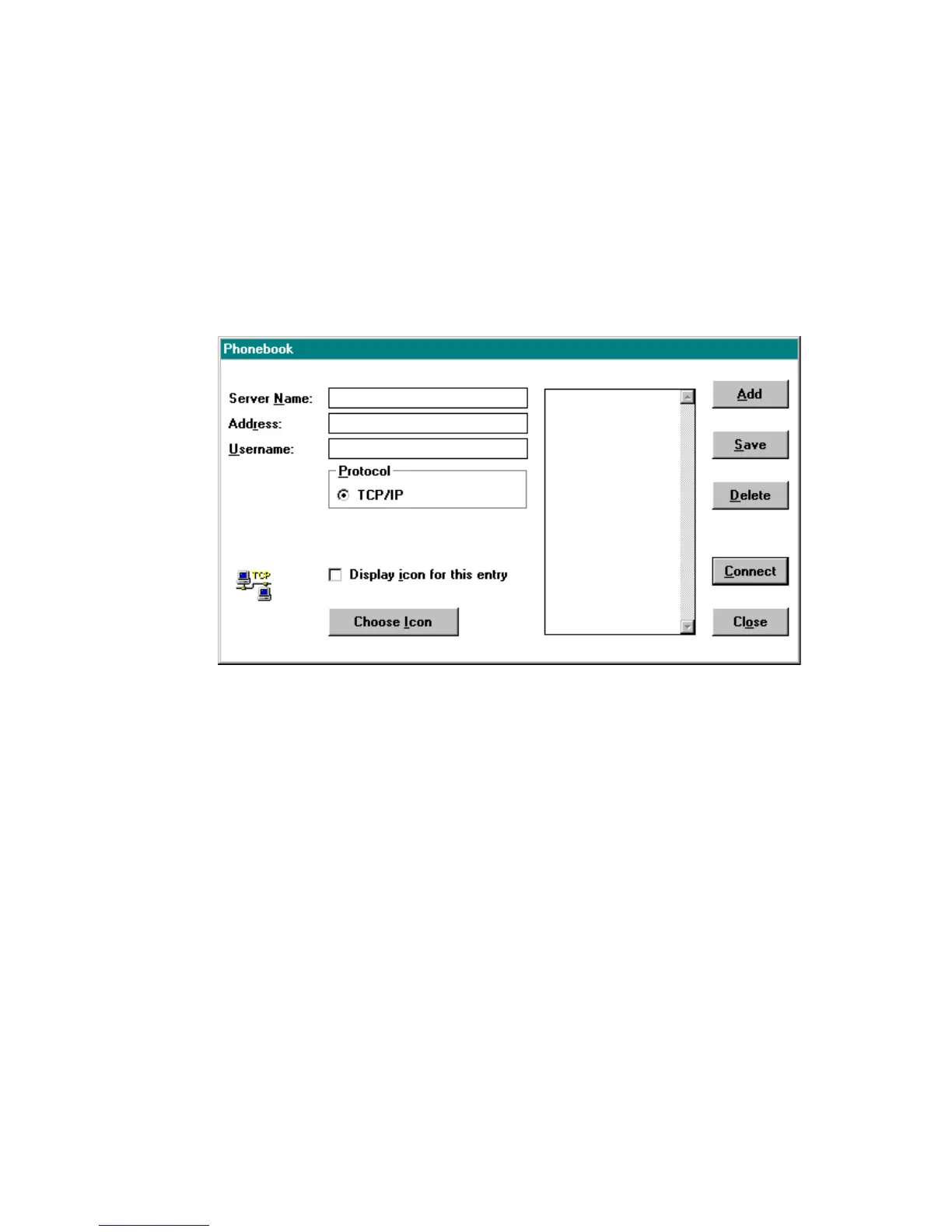
You can save the server name, address, user name, and protocol of
systems you frequently access in the Phonebook, shown in
Figure 3-30. After you have entered data for a system, you can place
an icon under Custom Connections to make future connections to
that system without having to re-enter the connection information
each time. To make an entry in the Phonebook, fill in the appropriate
fields.
Figure 3-30. Phonebook Window
Select Display icon for this entry if you want an icon for this
connection displayed in the Available Connections window. To
customize the icon to be used, click Choose Icon.
Click Add to add the new entry. Click Delete to remove unwanted
entries. When you are finished, click Save to save your changes.
To make a connection from within the Phonebook, highlight the
desired system and click Connect.



 To Next Page