3-63
Storage Manager
Using a Custom Connection
Under the Custom Connections section of the Available Connections
window, there is one icon for each system that you marked for
display in the Phonebook.
To make a connection to a remote system, double-click the icon. The
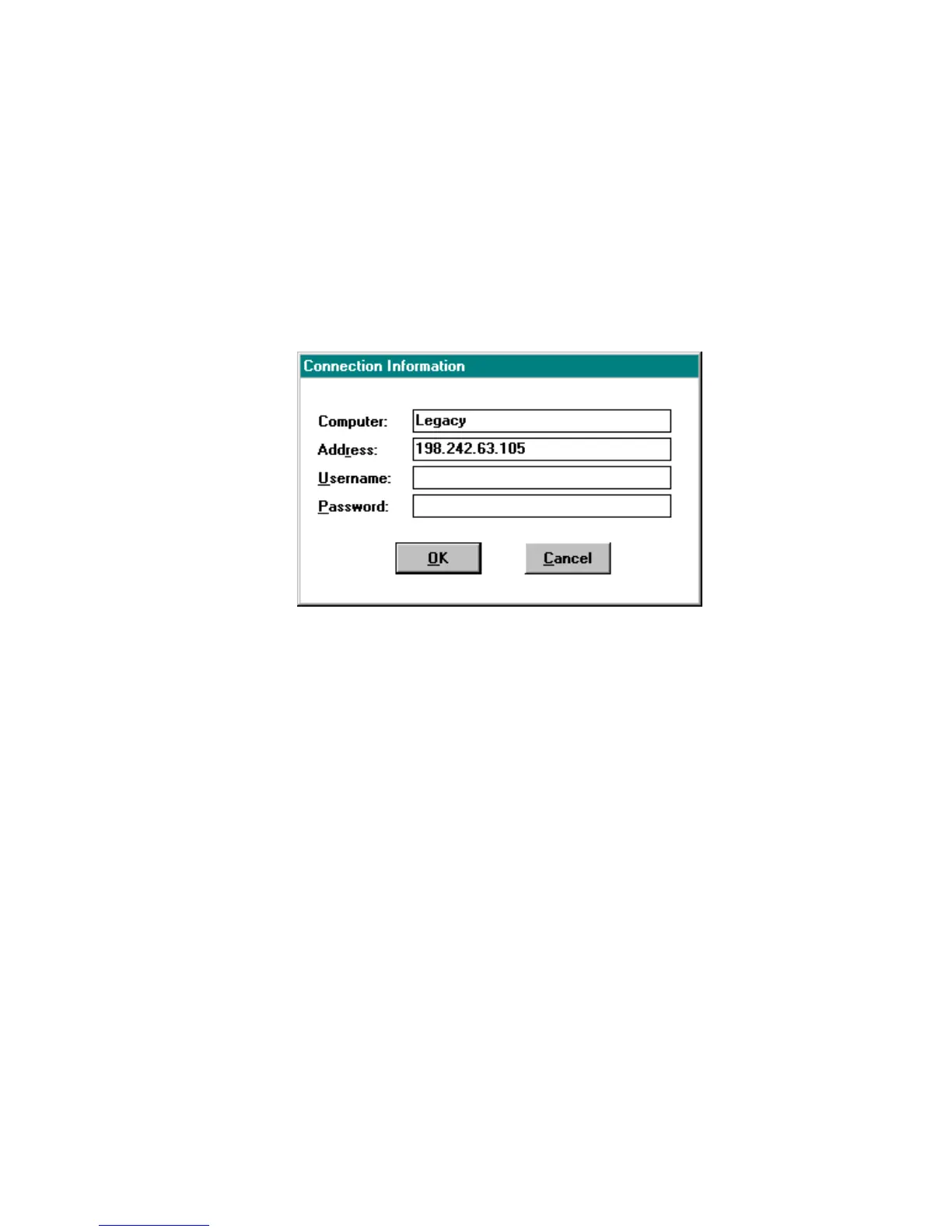
Connection Information window appears, as shown in Figure 3-31.
Enter the password of the server selected. Refer to Connecting Servers
and Workstations on page 3-59 for details.
Figure 3-31. Connection Information Window - Custom
When you click OK, Storage Manager attempts to connect to the
remote system. If the connection is successful, Storage Manager
scans the controller on the remote system. After the scan is complete
the Physical Configuration View window for the remote system
appears.
As noted before, you may also use the IP=address command line
parameter when you start Storage Manager. This parameter causes
Storage Manager to connect to the remote system at a specified IP
address instead of the default Local connection.



 To Next Page