20
Chatper 2 - Connections
GFR-700HD Owner’s Manual
External Decoder Connections
If you’re a true audiophile, you’re probably famil-
iar with DVD-Audio and SACD, multi-channel audio
formats that require their own decoding and unique
connection methods. Follow these steps to connect
a DVD, DVD-A, or SACD player with up to 7.1-channel
analog outputs.
Connecting a DVD-A/SACD Player
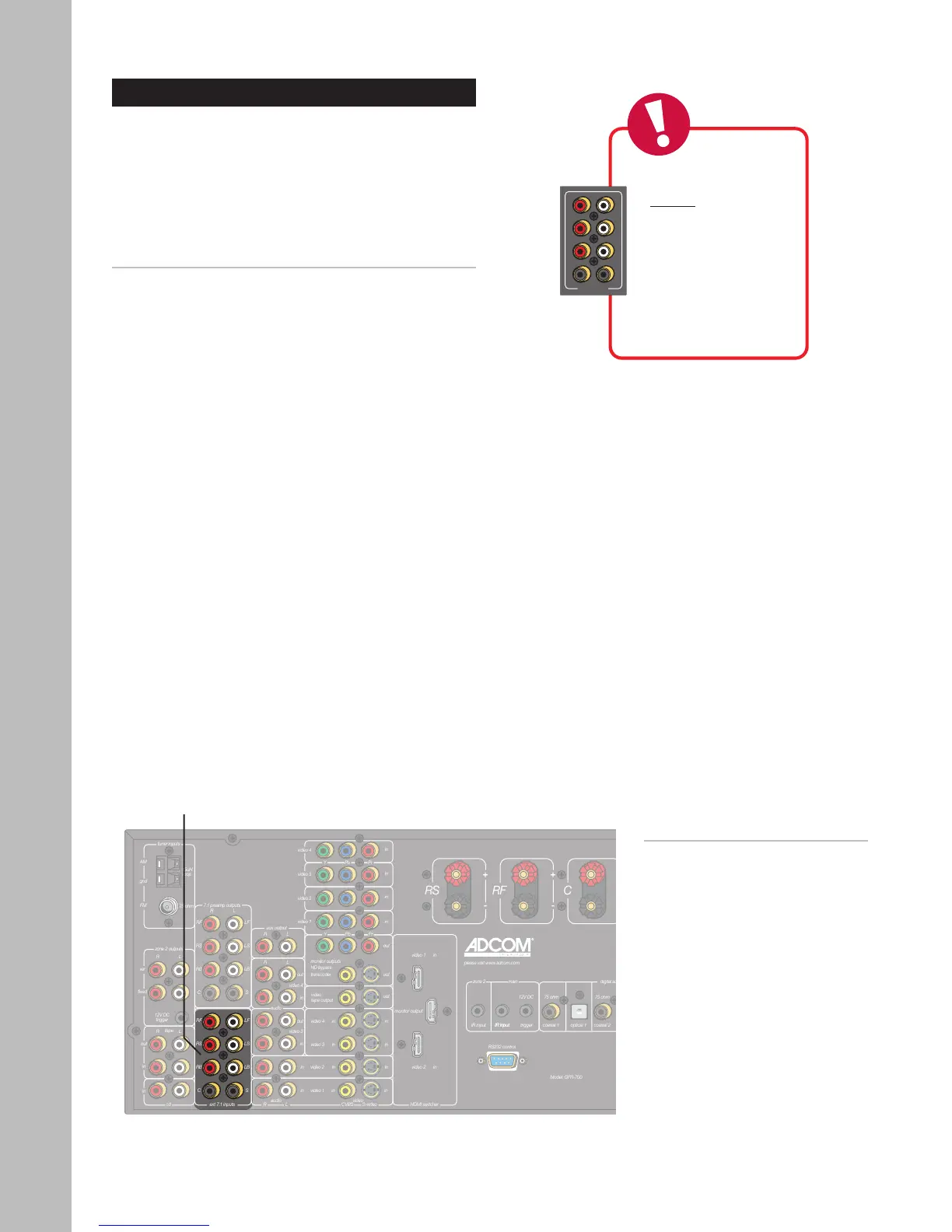
1 Using eight RCA cables, connect the 7.1 channel
analog audio outputs from your DVD player to the
corresponding Ext 7.1 inputs on the GFR-700HD.
2 If your DVD player has 5.1-channel analog out-
puts, use six RCA cables and omit the RB and LB
connections.
Notes:
• To switch to External 7.1
mode, press the Ext 7.1 button
on the remote control or front
panel.
• For Ext 7.1 operations, see
page 56.
Ext. 7.1
Inputs



 To Next Page