36
Chapter 3 - Setup
GFR-700HD Owner’s Manual
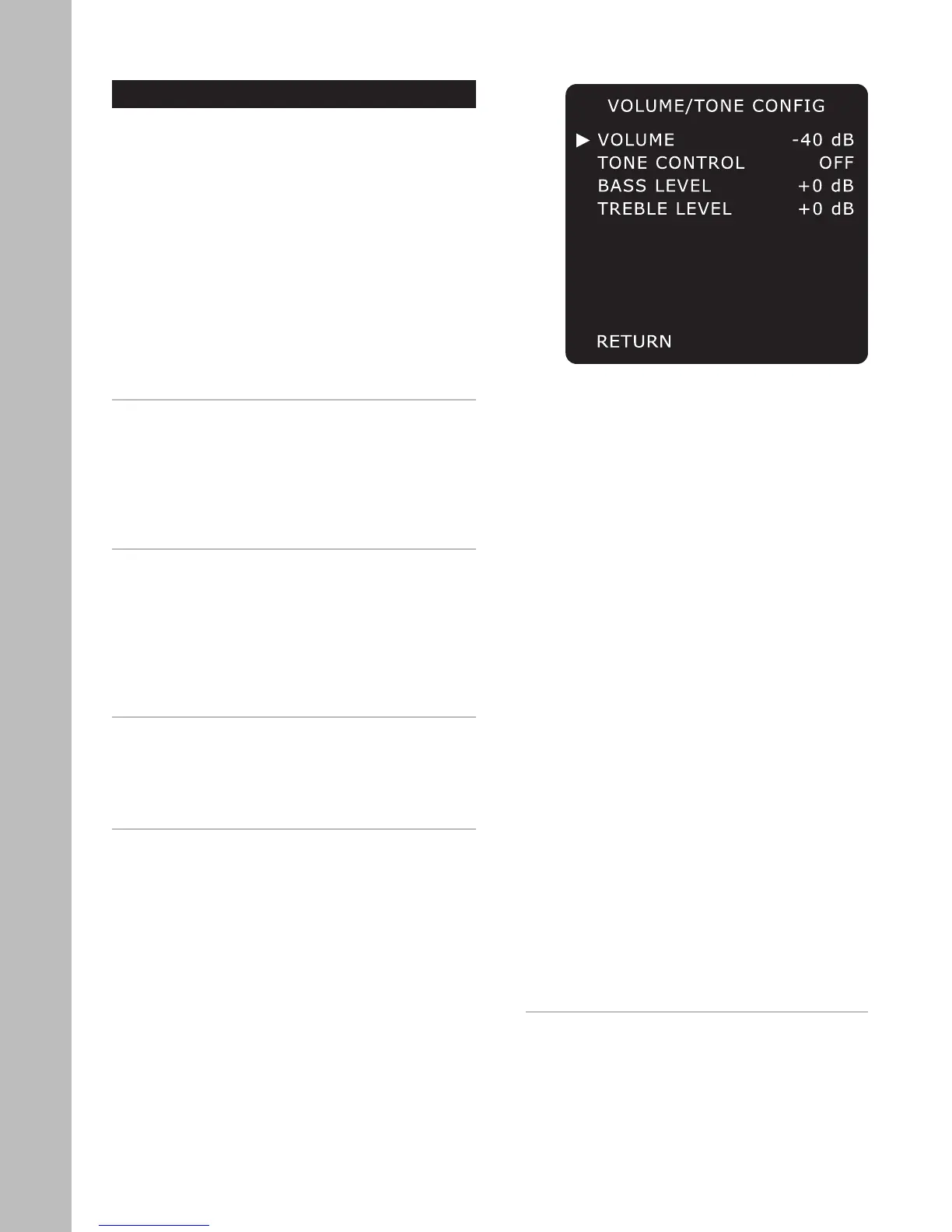
Volume/Tone Configuration
Want to adjust the bass, treble, and relative volume
for each input source? Look no further than the Vol-
ume/Tone Configuration menu.
To access the Volume/Tone Configuration menu:
1 Press the Main button on the remote control.
2 Press the Setup button.
3 Use the
/ buttons to select INPUT CONFIG,
then press the Select button.
4 Use the / buttons to select VOLUME/TONE,
then press the Select button.
5 Use the / buttons to choose from the follow-
ing menu items:
VOLUME
Sets the relative volume of the selected input. Use
this feature to balance volume levels as you switch
between inputs. Use the
/ buttons to set the vol-
ume level:
• The available range is -80 dB to +18 dB.
• The default setting is -40 dB.
TONE CONTROL
Enables manual bass and treble control. Use the
/
buttons to choose:
• On or Off.
• Select On to use your custom bass and treble
settings for the selected input.
• Select Off to use the default bass and treble set-
tings for the selected input.
BASS LEVEL
Provides manual control of the bass level for the se
-
lected input. Use the / buttons as follows:
• The available range is -12 dB to +12 dB.
• The default setting is +0 dB.
TREBLE LEVEL
Provides manual control of the treble level for the
selected input. Use the
/ buttons as follows:
• The available range is -12 dB to +12 dB.
• The default setting is +0 dB.
Notes:
• To make Bass/Treble adjustments ‘on the fly,’
first press the Bypass button on the remote con-
trol to toggle Tone Control on. Then use the Bass
and Treble buttons to bring up the tone adjust
-
ment on-screen display. Finally, use the /
buttons to set the desired level.
• Tone controls are not available in the Dolby
Digital EX, DTS-ES, NEO6, and Pro Logic IIx Sur-
round modes.



 To Next Page