INSTALLATION
2
CONFIGURATIONOPERATION
FURTHER
INFORMATION
INDEX
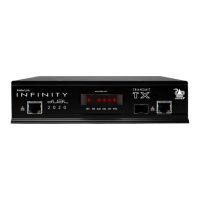
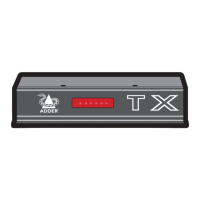
AdderLink Innity transmitter and receiver units allow multiple remote users to access
host computers in a very exible manner. Such exibility requires management and
coordination – that is where A.I.M. (AdderLink Innity Manager) becomes vital.
A.I.M. is designed to promote the most efcient use of AdderLink Innity (ALIF) units
by allowing central control over any number of transmitters and receivers. Using the
intuitive A.I.M. web-based interface, one or more administrators can manage potentially
thousands of users who are interacting with an almost unlimited number of devices.
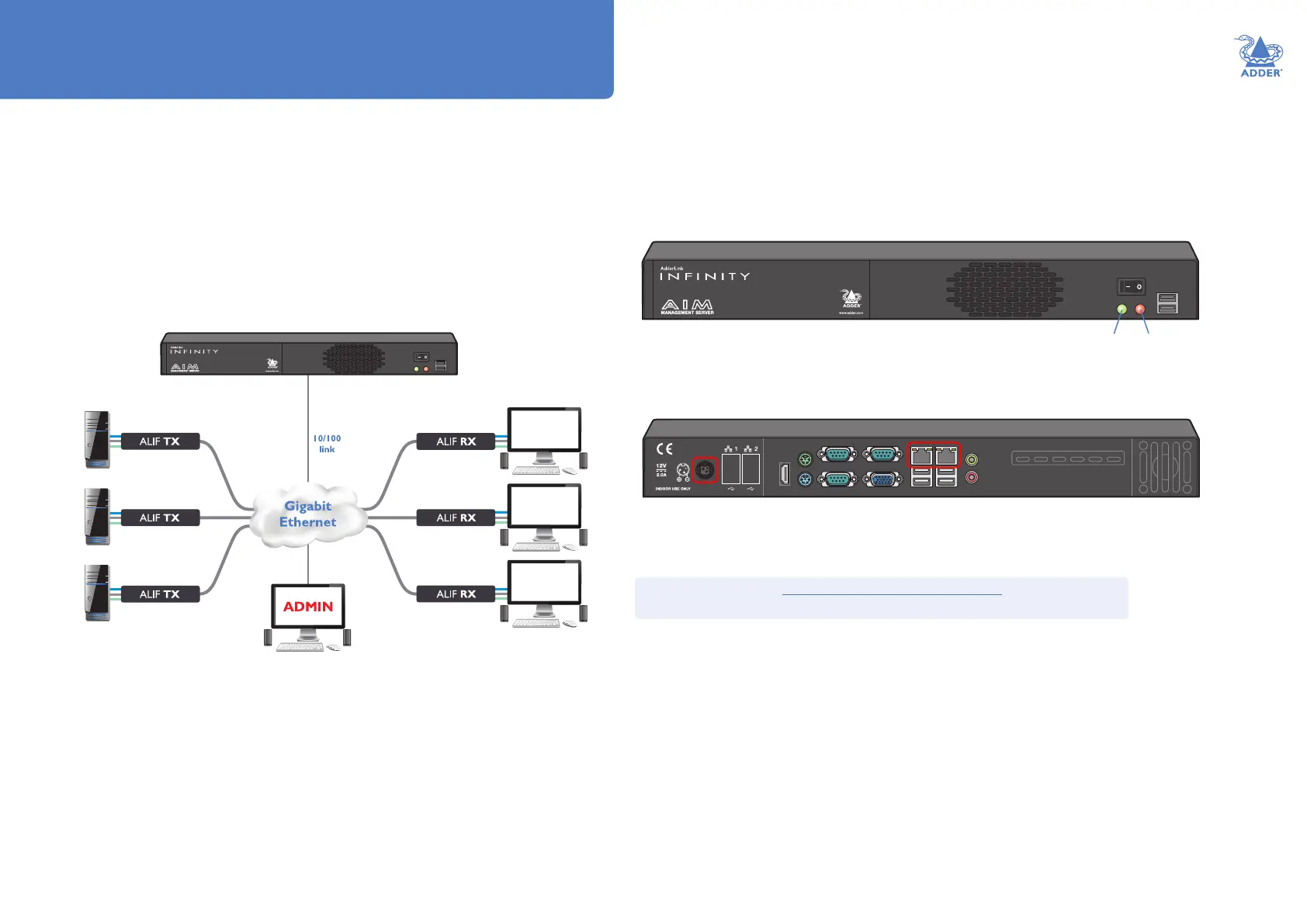
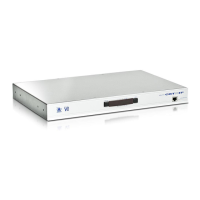
A.I.M. operates as a self-contained compact server (including its own DHCP server) unit
that can be situated anywhere within your network of ALIF devices:
The A.I.M. server is supplied pre-loaded and is straightforward to deploy, requiring only a
network connection and a power input to begin operation.
All conguration of your AdderLink Innity transmitters (channels), receivers and users
are performed using the intuitive A.I.M. browser interface via a network connected
computer.
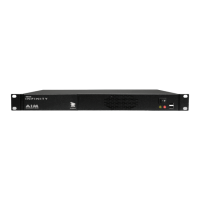
The A.I.M. server front panel
The A.I.M. server rear panel.
In normal use only the network and power connectors are used (ringed in red).
The A.I.M. server connects to your network and provides administrative
control over the various AdderLink Innity transmitters, receivers and their users.
Note: Although the AdderLink Innity units require Gigabit Ethernet connections, in its
administrative role, the A.I.M. server requires only a 10/100Mbps connection
to the network.
Please see the section Basic steps for a new conguration for assistance with
creating A.I.M. installations.
Introduction
Green
indicator:
Power
Red
indicator:
Drive
activity


 To Next Page