19
OPERATION GUIDE
2.7 Modify a Step or Steps.
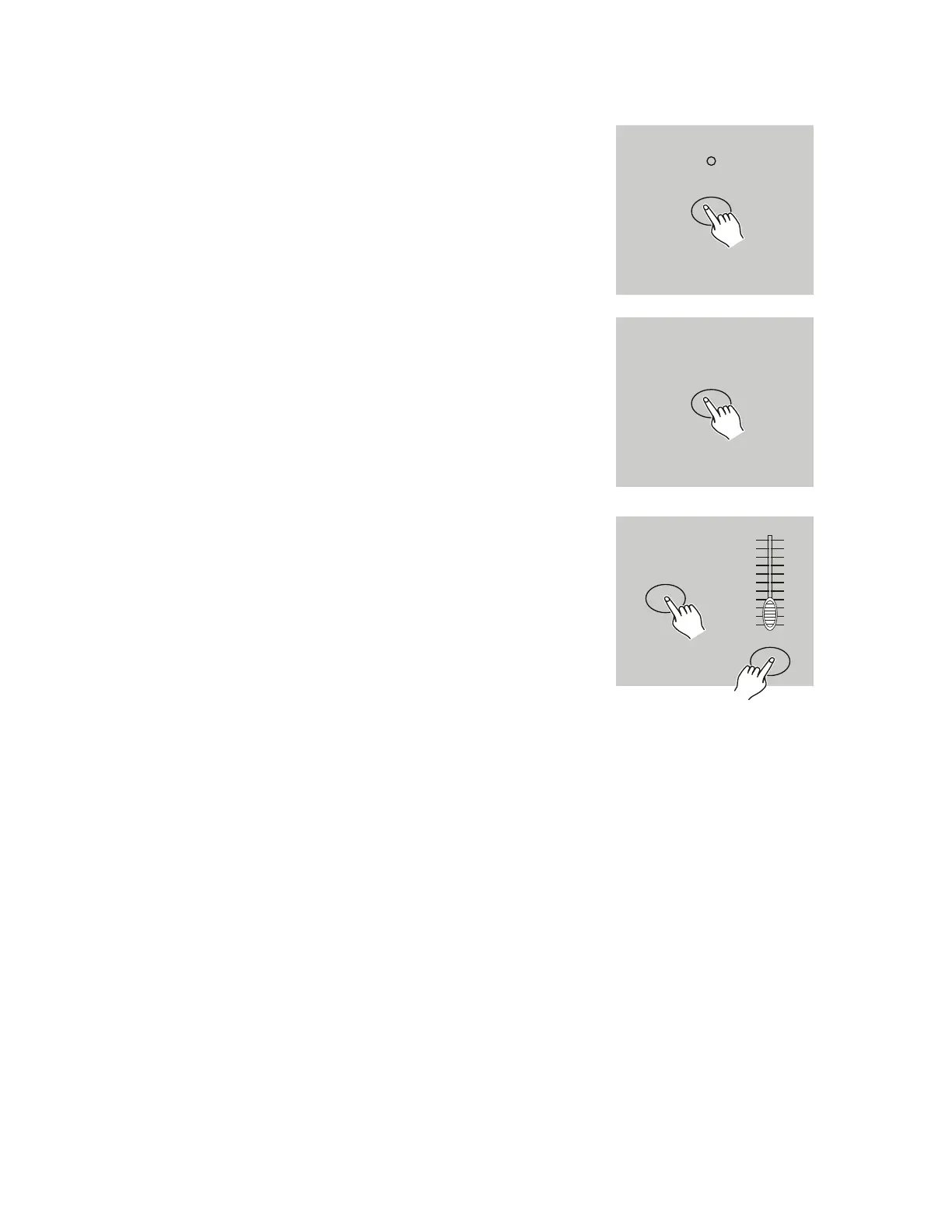
1. Enter Edit mode.
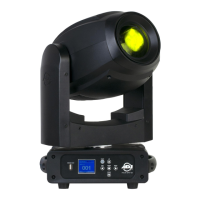
2. Tap the Step button to scroll to the step you wish to
modify.
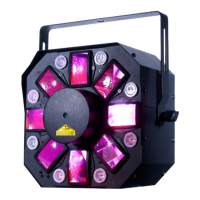
3. Press and hold the Up button to raise the intensity,
or press and hold down the Down button to lower the
intensity.
4. While holding down the Up or Down button, tap the
Flash button corresponding to the DMX channel of the
scene you wish to modify until the desired intensity
value is shown on the segment display. Tap the Flash
buttons until you are satisfied with the new scene.
5. Repeat steps 2, 3, and 4 until all steps of the program
have been modified.
6. Exit the Edit mode.
STEP
UP
UP
10
8
6
4
2
0
10
8
6
4
2
0


 To Next Page