USING THE SYSTEM
30
[26]
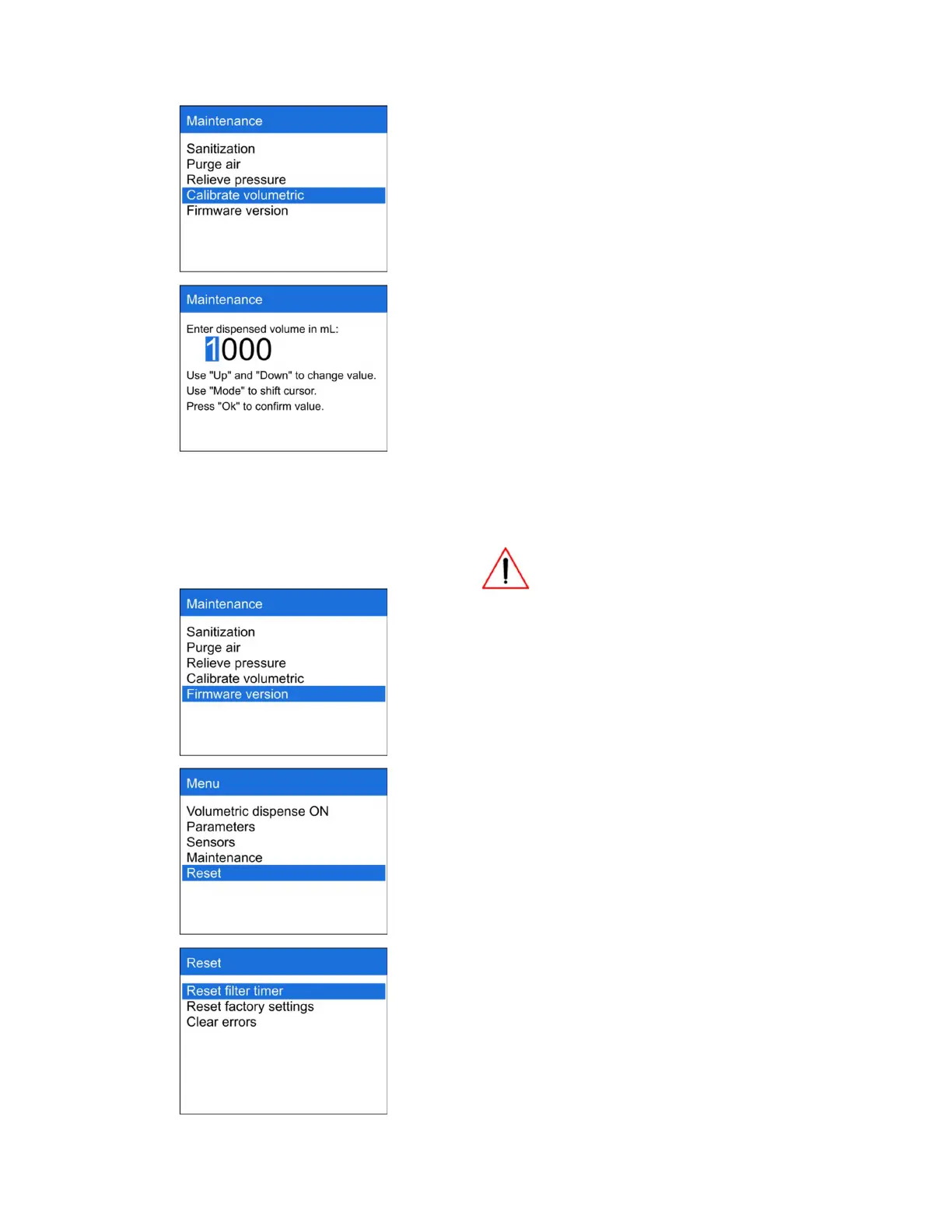
Press “Calibrate volumetric” to fulfill dispensed
volume calibration
[27]
To calibrate volumetric dispense function please
follow the procedure below:
1. Set dispense volume to 1 liter (Menu ->
Volumetric dispense);
2. Dispense water to 2 liters measuring
beaker;
3. Note the actual dispensed volume in
milliliters;
4. Go to Menu -> Maintenance ->
Calibrate volumetric;
5. Enter the actual dispensed volume (in
mL);
6. Press OK
Calibration can be fulfilled per 1 liter
only
[28]
Press “Firmware version” to get information
about the version of system
[29]
RESET
Choose section “Reset” if you need to reset
filter timer and factory settings or to clear error
message
[30]
Press “Reset filter timer” after pre-filter change



 To Next Page