Operation and Display
C220/C420 General Flux Vector Control Inverter User Manual
4.1.2 Digital display zone:
Five digits LED display is able to show setup frequency ,output
frequency ,various monitoring data and alarm code. According to function code
F7-29/F7-30 , the user can freely set the data in need ,all the details are shown as
function code F7-29/F7-30
4.1.3 Key Button Description
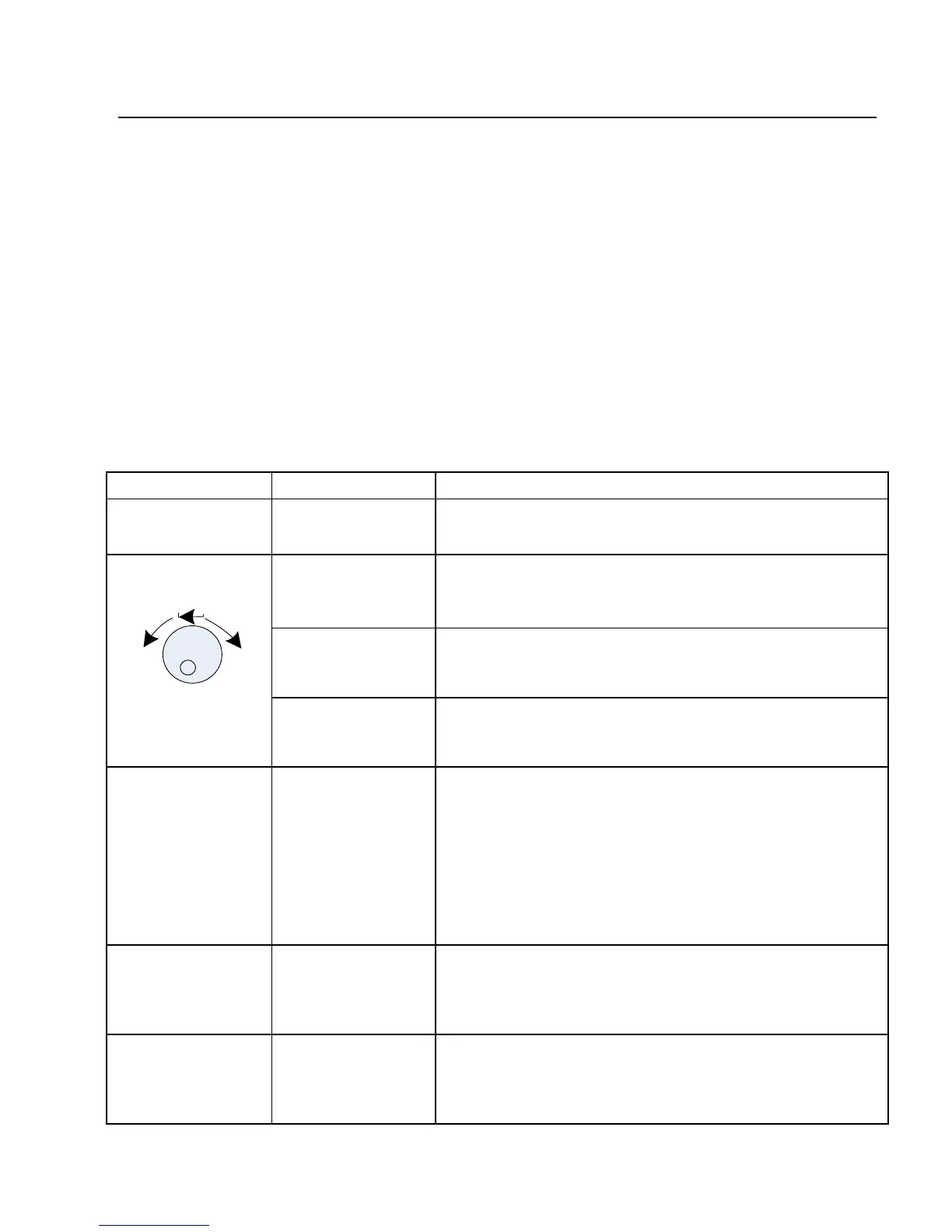
Tab.4-1Keyboard function table
PRG/ESC Program/ Exit entry or exit ,return to primary menu
ENTER
entry into the menu interface ,confirm the setup
parameters
increase (+) Increase in the data or function code
decrease (-) Decrease in the data or function code
》 shift key
select the displayed parameters in turn on the
and running display
interface ,and select the modification digit of
parameters when modifying parameters.
RUN Run key
used in running operation under keyboard
control mode
STOP/RESET STOP/RESET
In the status of running ,pressing it can stop the
running operation; in fault alarm ,can reset



 To Next Page