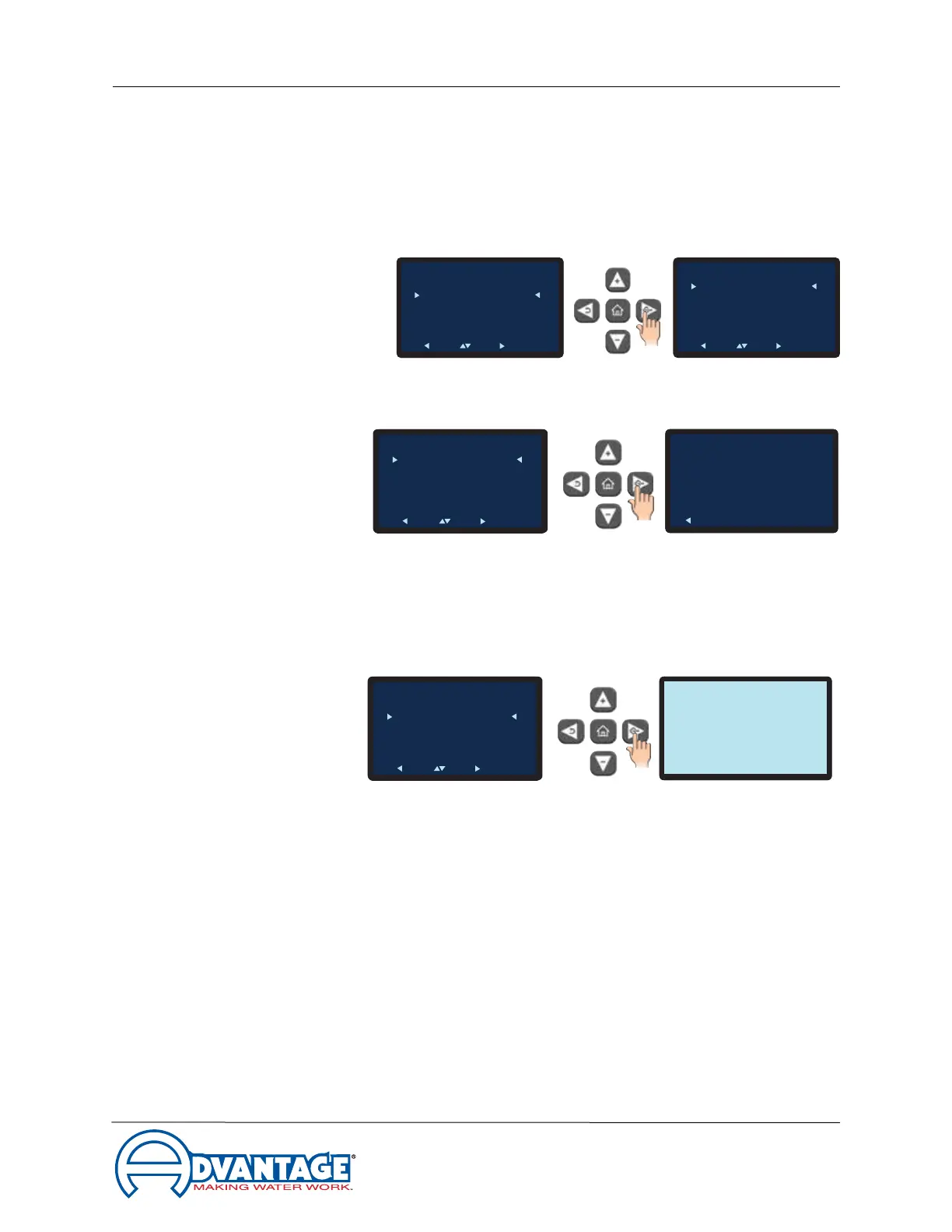
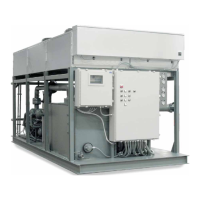
Maximum Series Portable Chiller : Air & Water-Cooled : MG Series Instrument
update 08/02/2021
Page: 36
ADVANTAGE ENGINEERING, INC.
525 East Stop 18 Road Greenwood, Indiana 46142
317-887-0729 Fax: 317-881-1277
Service Department Fax: 317-885-8683
Email: service@AdvantageEngineering.com
2. Once acknowledged, press the Back button repeatedly to return to the Setpoints
screen or press the home button to return to the Home screen.
3.6 Instrument : Utilities menu
A. Items in the Utilities menu include the operations for the Software Version, Display Test
and Sensor Display.
B. Software Version. Thesoftwareversionnumberisthecurrentversionofthecontroller’s
software. This number can be useful when troubleshooting at times.
1. Select the Software Version item from the Utilities Menu to advance to the
software version screen.
2. Press the Back button to return to the Utilities menu.
C. Display Test. The Display Test will test the entire for bad pixels or sectors.
1. Select the Display Test item from the Utilities Menu to advance to the Display
Test screen.
2. The test will show a blank screen. If any bad pixels or sectors are detected, those
pixels or sectors will be dark. If dark pixels or sectors are indicated, contact the
factory repair or replacement options.
D. Sensor Display. There are up to 11 sensors the controller monitors.
1. SelecttheSensorDisplayitemfromtheUtilitiesMenutoadvancetotherst
Sensor Display screen.
2. Scrolling through the Sensor Display reveals data for the sensor.
• To Process ... displayed in Fahrenheit and Celsius
To Process
Setpoint
: 50°F
Circulating
50°F
To Process
Setpoint
: 50°F
Circulating
50°F
Software Version
Back
Setpoints
Process Setpoint
Hi Deviation
Lo Deviation
Low Flow
Back Pick Go
c239192b31f8605a4be3f
3070525d514621a4ae8
To Process
Setpoint
: 50°F
Circulating
50°F
Utilities
Software Version
Display Test
Sensor Display
Back Pick Go
To Process
Setpoint
: 50°F
Circulating
50°F
To Process
Setpoint
: 50°F
Circulating
50°F
Main Menu
Setpoints
Utilities
Network
Flow
Options
Machine
Back Pick Go
Utilities
Software Version
Display Test
Sensor Display
Back Pick Go
To Process
Setpoint
: 50°F
Circulating
50°F
Change Setting
Lo Deviation
Success
Acknowledge
To Process
Setpoint
: 50°F
Circulating
50°F
Software Version
Back
c239192b31f8605a4be3f
3070525d514621a4ae8
To Process
Setpoint
: 50°F
Circulating
50°F
Setpoints
Process Setpoint
Hi Deviation
Lo Deviation
Low Flow
Back Pick Go
Utilities
Software Version
Display Test
Sensor Display
Back Pick Go


 To Next Page