ADAM-6200 User Manual 38
4.1 ADAM.NET Utility (software)
ADAM.NET Utility, which is designed with graphical operation interface, is aimed to
offer users directly configure, control ADAM module, and monitor the real-time status
of remote ADAM module via Ethernet or Wireless connection.
You can find ADAM.NET utility and user manual from ADAM product CD. To keep
you informed with latest update, you also can check it from the following download
link on Advantech website.
http://support.advantech.com.tw/Support/DownloadSRDetail.aspx?SR_ID=1-
2AKUDB
4.2 Connection
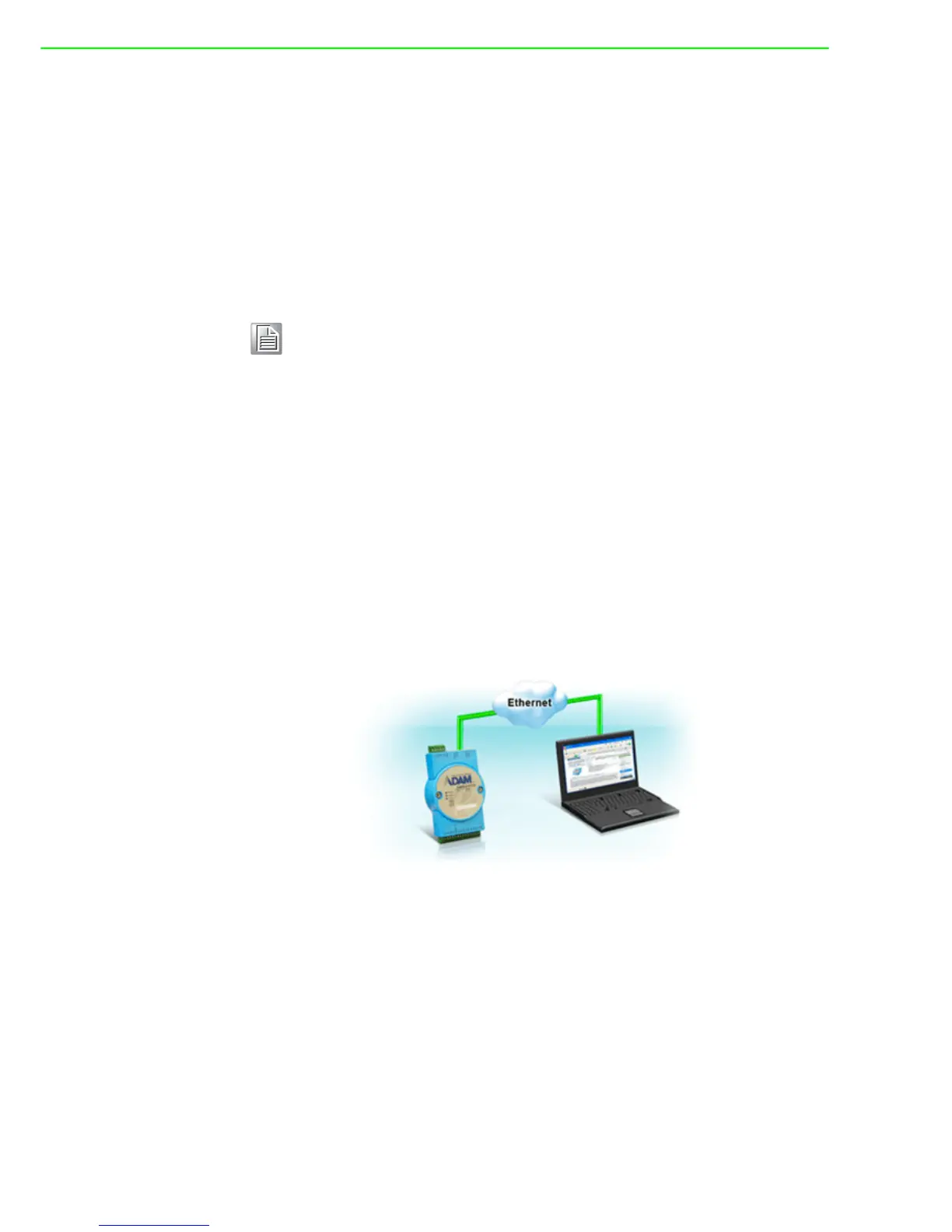
1. Plug DC power source in +Vs, -Vs pin of ADAM module and turn the power on.
2. Connect your computer to Ethernet port (either 1 or 2) of ADAM module with RJ-
45 cross-over Ethernet cable. (see below figure.)
Note!
Before installing ADAM.NET Utility, you need to install .NET
Framework 2.0 or higher version.
System requirement
– Microsoft Windows XP/7
– At least 32 MB RAM
– 20 MB of hard disk space available
– VGA color or higher resolution monitor
– 2x or higher speed CD-ROM
– Mouse or other pointing devices
– 10/100 Mbps or higher Ethernet Card



 To Next Page