Chapter 2 Installation
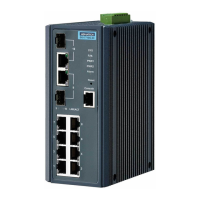
In this chapter, you will be given an overview of the EKI-2548I hardware installation
procedures.
2.1 LED Indicators
The LED indicators located on the front panel display the power status and network
status of EKI-2548I; each has its own specific meaning as the table shown below.
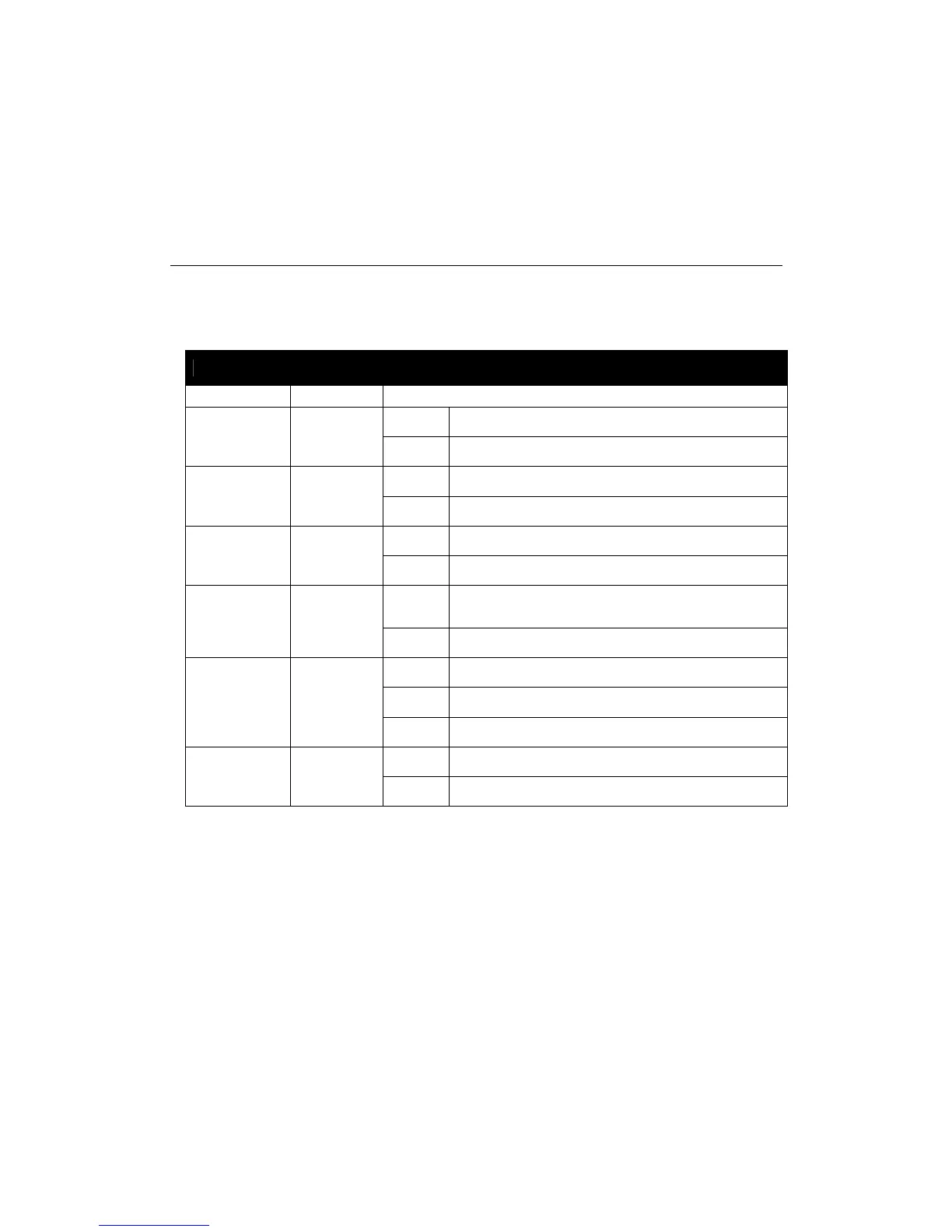
Table 2.1: EKI-2548I LED Definition
LED Color Description
On The industrial switch is the master of the X-ring group
R-Master Green
Off Non-master device of the X-ring group
On Power input 1 is active
PWR1 Green
Off Power input 1 is inactive
On Power input 2 is active
PWR2 Green
Off Power input 2 is inactive
On
Power input 1 or 2 is inactive or port link down
(depends on the Fault Relay Alarm configuration)
P-Fail Red
Off No failure occurs
On Connected to network
Flashing Data is transmitting or receiving
P1 ~ P8
(Link/Active,
Upper LED)
Green
Off Not connected to network
On The port is active operating at speed of 100M
P1 ~ P8
(Speed, Lower
LED)
Green
Off The port is active operating at speed of 10M
EKI-2548I_Manual_ed2 8



 To Next Page