2.2 DIP Switch
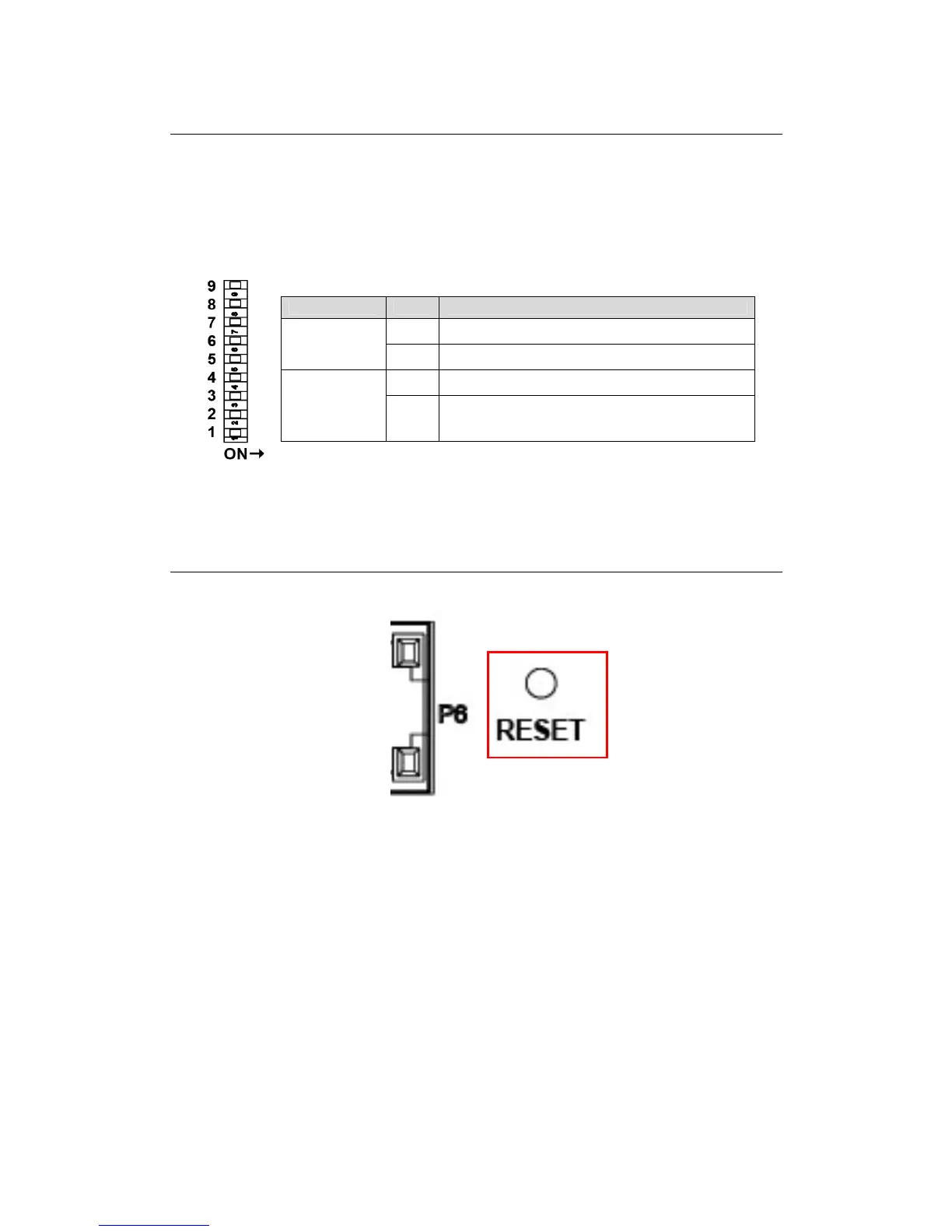
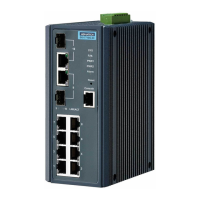
The EKI-2548I Managed Industrial Switch provides a 9-pole DIP switch for configuring
the relay alarm operation mode and the master ring operation mode. The user can
enable the managed industrial switch as the ring master in the X-Ring group and R-
Master LED indicator will light up. If the user enables the Port Alarm function, the P-
Fail LED indicator will light up when link-down event of the respective port occurs.
Each pole of the DIP switch is set to OFF by default.
Pole No. Status Description
On Enable Port Alarm for P1 ~ P8
Pole 1 ~ 8
Off Disable port Alarm for P1 ~ P8
On Disable the ring master function
Pole 9
Off
Enable the managed industrial switch as the ring master
device in the X-Ring group
Figure 2.3-1 DIP switch definition
2.3 Reset Button
Figure 2.3-2 Reset Button
EKI-2548I provides users a quick and easy way to restart the system or reset the
configuration back to default value by pressing the reset button.
• Restart: press the button for 2 seconds and then release to restart the system.
• Set to factory default value: by pressing the button for 5 seconds, the switch will
set all configurations back to default setting.
9 Chapter2



 To Next Page