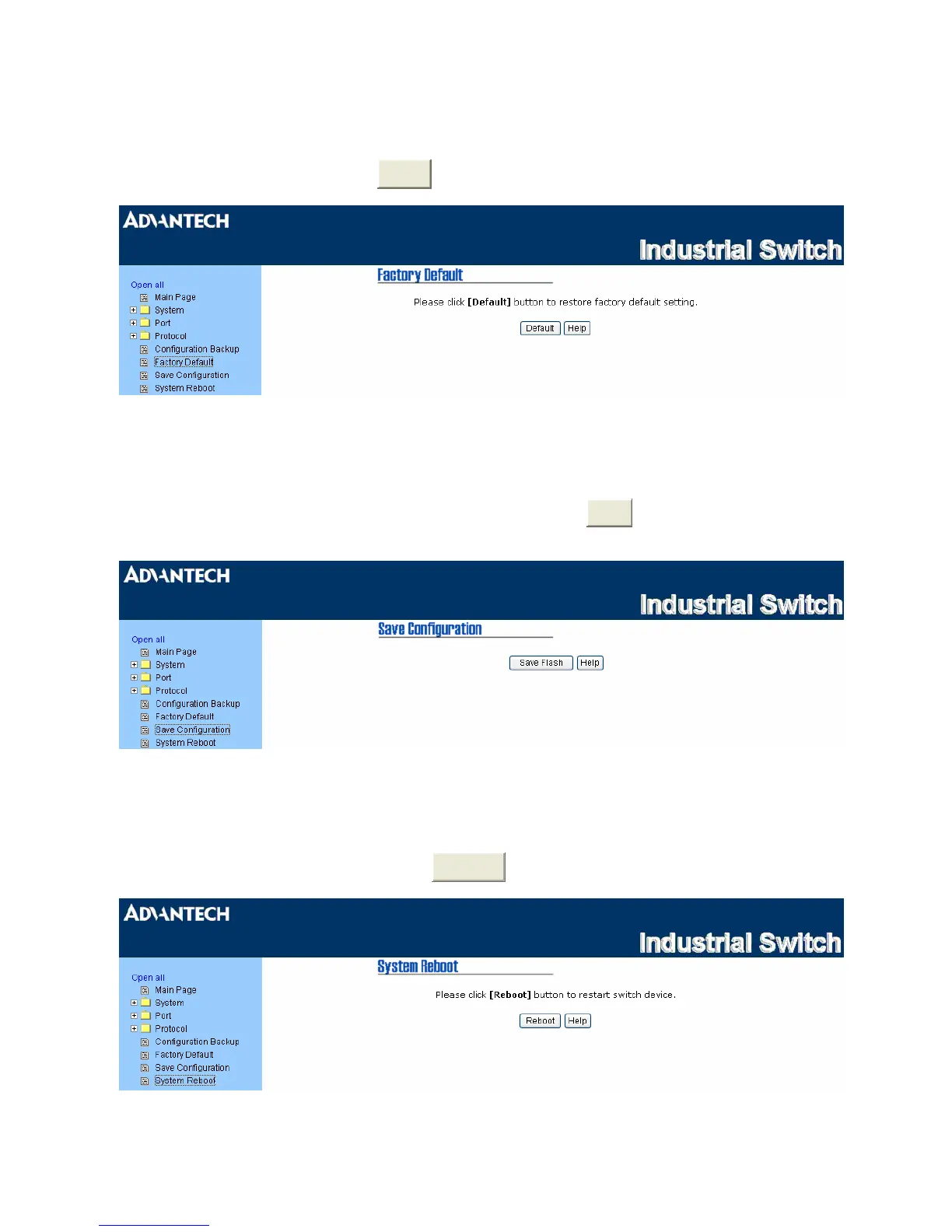
3.1.5 Factory Default
Reset the switch to default configuration. Tick the check boxes to keep the current IP address, user name
and password before reset. Click
Reset
to reset all configurations to the default value.
Figure 3.1-36 Factory Default
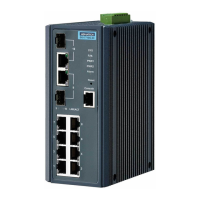
3.1.6 Save Configuration
Save all configurations that you have made to the system. Click
Save
to save all configurations to the
flash memory.
Figure 3.1-37 Save Configuration
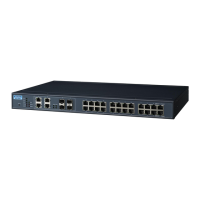
3.1.7 System Reboot
Reboot the switch in software reset. Click
Reboot
to reboot the system.
Figure 3.1-38 System Reboot
59 Chapter3



 To Next Page