The default user name and password are both admin, fill in the user name and password then press OK
to enter the configuration. You can change the password in the system setting.
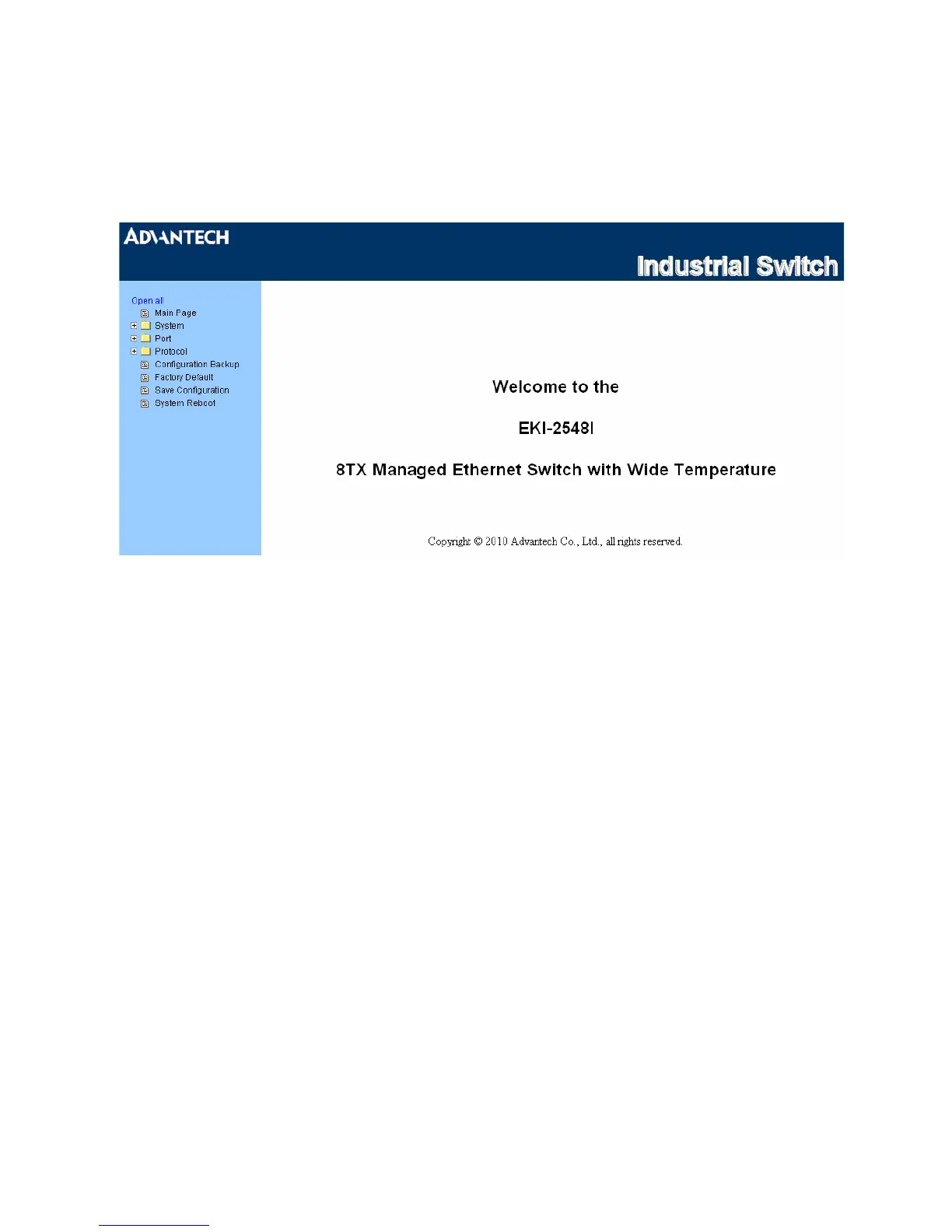
In the main page, you can find the tree menu structure of the EKI-2548I in the left side. Click the “+”
symbol to unroll the hiding hyperlink, and click the hyperlink to open the function page you want to
configure.
Figure 3.1-3 Main page
23 Chapter3



 To Next Page