FWA-1112VC_UserManual_Ed1 Copyright 2020 Advantech Co. Ltd. All rights reserved.
Page 37
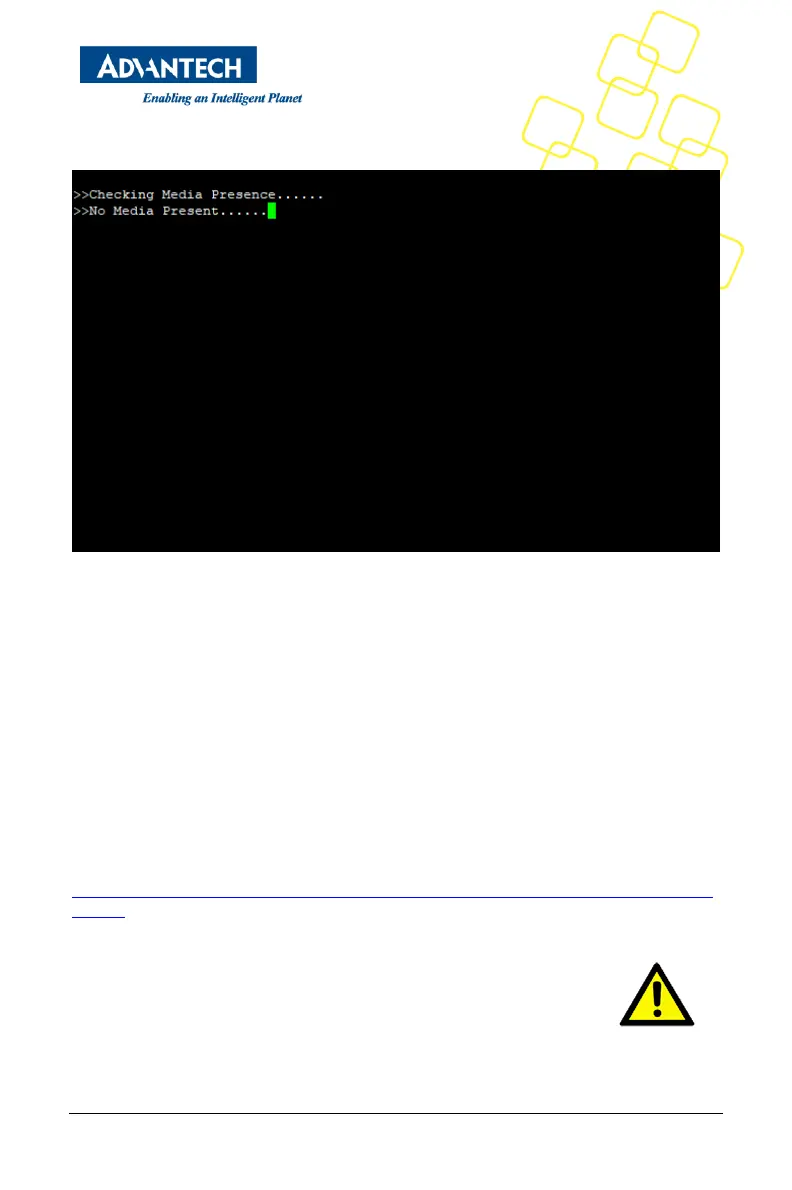
3. Save BIOS and reboot system. The BIOS will show “Checking Media Presence......”, if
system is not connected PXE server, it will show “No Media Present......”
Figure 36 Enable PXE boot_3
PXE boot usually does not allow for OS installation over network as the PXE client will only
load a single file from the boot server. Similarly, booting Linux over network is usually a
two stage process. In the first step, a boot loader such a grub or mini OS such as SysLinux
are loaded via PXE from the boot server. The boot loader or miniOS then load the actual
target OS which usually consists of multiple files which decompressed and installed into a
RAM disk. The detailed process and required configuration of such network install will
heavily depend on the target OS and boot loader / miniOS used. Please refer to the related
documentation available.
PXE boot requires a DHCP server and a TFTP server in the network to complete. DHCP
Server and TFTP server are commonly run on the same machine and collectively referred
to as “boot server”. Setting up such a boot server implies a couple of steps. How-to guides
for setting up Linux as PXE boot server are available on the internet, e.g.
https://www.debianadministration.org/article/478/Setting_up_a_server_for_PXE_network_
booting.
Please note that it is recommended to setup a separate network / subnet
for network booting as the DHCP required for PXE booting may conflict
with existing DHCP servers in your network.



 To Next Page