5. Check the UPS.
(a) Visually examine if there are any damages to UPS during transportation. If
any, contact to the carrier.
(b) Check the UPS with the list of the goods. If any items are not included in the
list, contact to our company or the local office.
6. Dismantle the bolt that connects the cabinet and wooden pallet after
disassembly.
7. Move the cabinet to the installation position.
Attention
Be careful while removing to avoid scratching the equipment.
Attention
The waste materials of unpacking should be disposed to meet the demand for environmental
protection.
3.3 Positioning
3.3.1 Positioning Cabinet
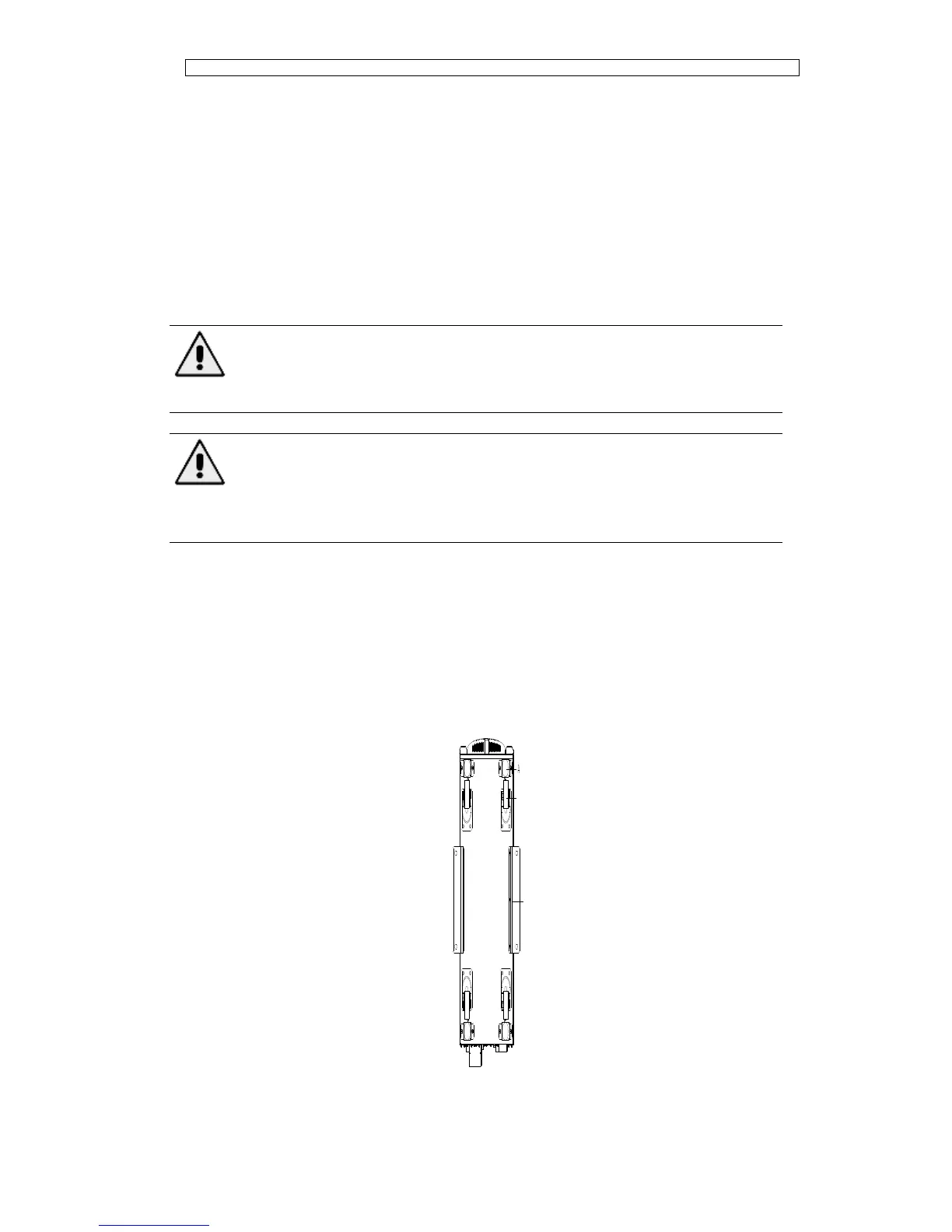
The UPS cabinet has two way of supporting itself: One is to support itself temporarily
by the four wheels at the bottom,making it convenient to adjust the position of the
cabinet;The other is by anchor bolts to support the cabinet permanently after adjusting
the position of the cabinet. The supporting structure is shown in Fig. 3-8.



 To Next Page